

Get a DeepSeek API Key
DeepSeek is an official provider in WriteX settings—pick DeepSeek directly. You do not need the “OpenAI-compatible / custom” option.
Keys are created on the open platform, not the chat site: platform.deepseek.com.
| Chat | API platform (use this) | |
|---|---|---|
| URL | chat / main site | platform.deepseek.com |
| Purpose | Web chat | Create keys, billing, usage |
What you need
| Field | Value |
|---|---|
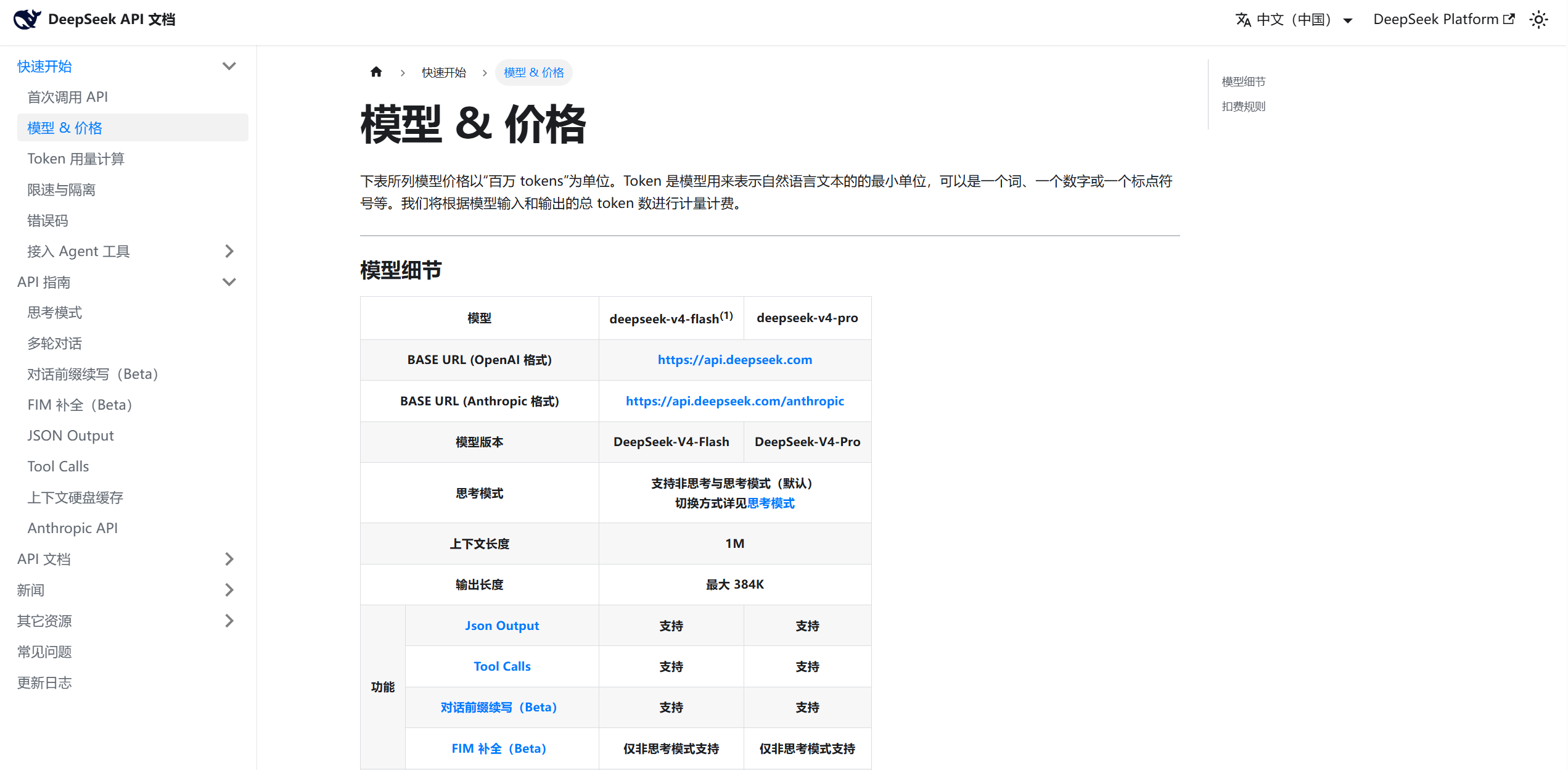
| WriteX provider | DeepSeek (built-in preset) |
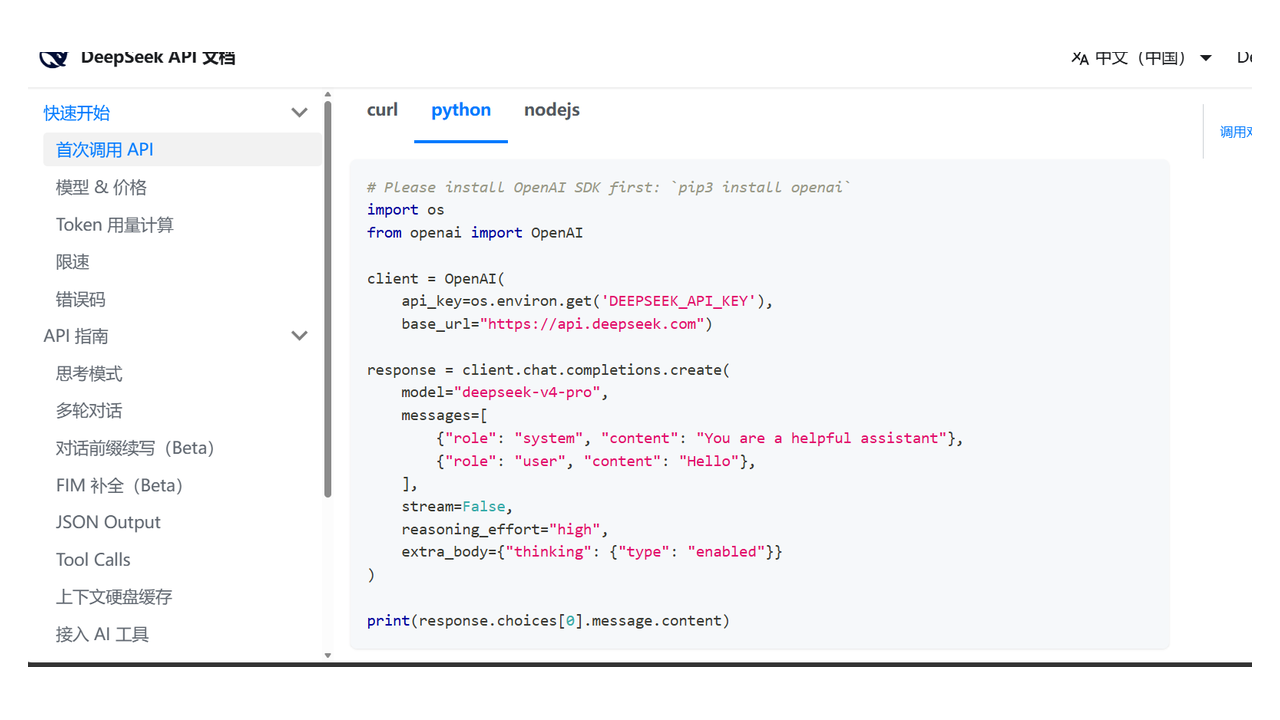
| Base URL | https://api.deepseek.com (prefilled) |
| API Key | sk-… |
| Models | deepseek-v4-flash (default), deepseek-v4-pro |
Step 1: Register
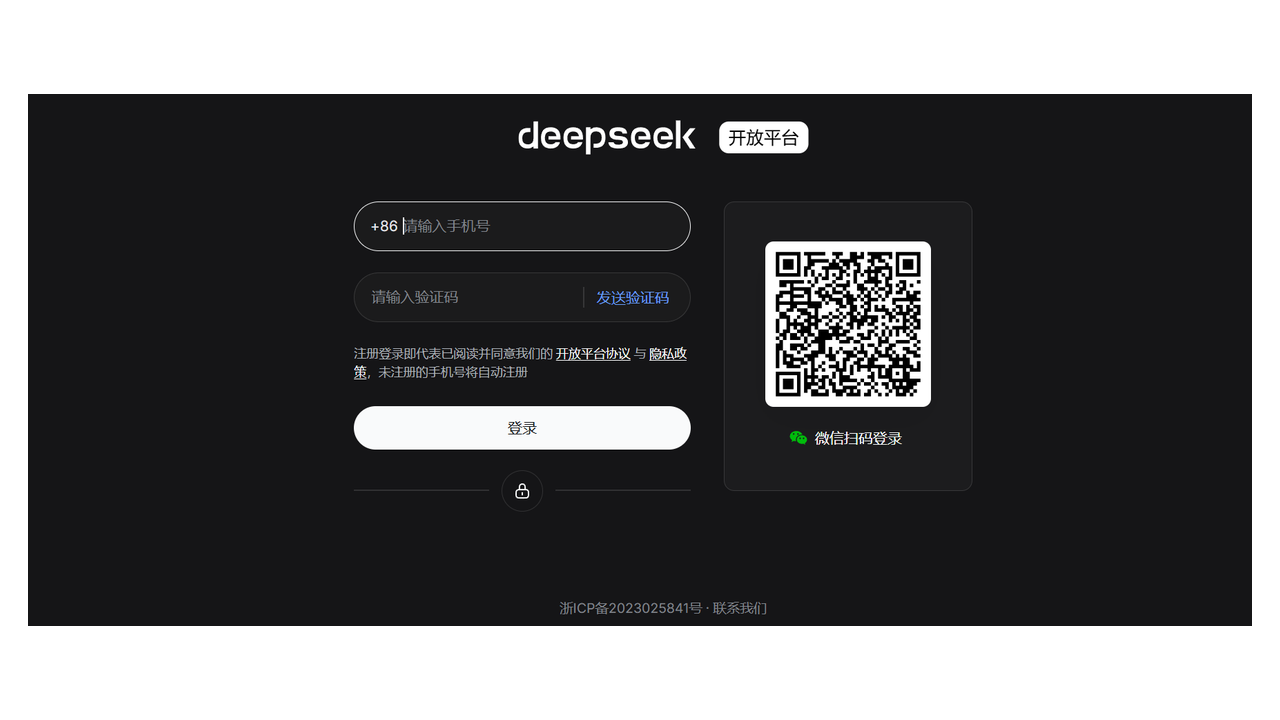
Open platform.deepseek.com and sign up / log in.
Step 2: Verify identity
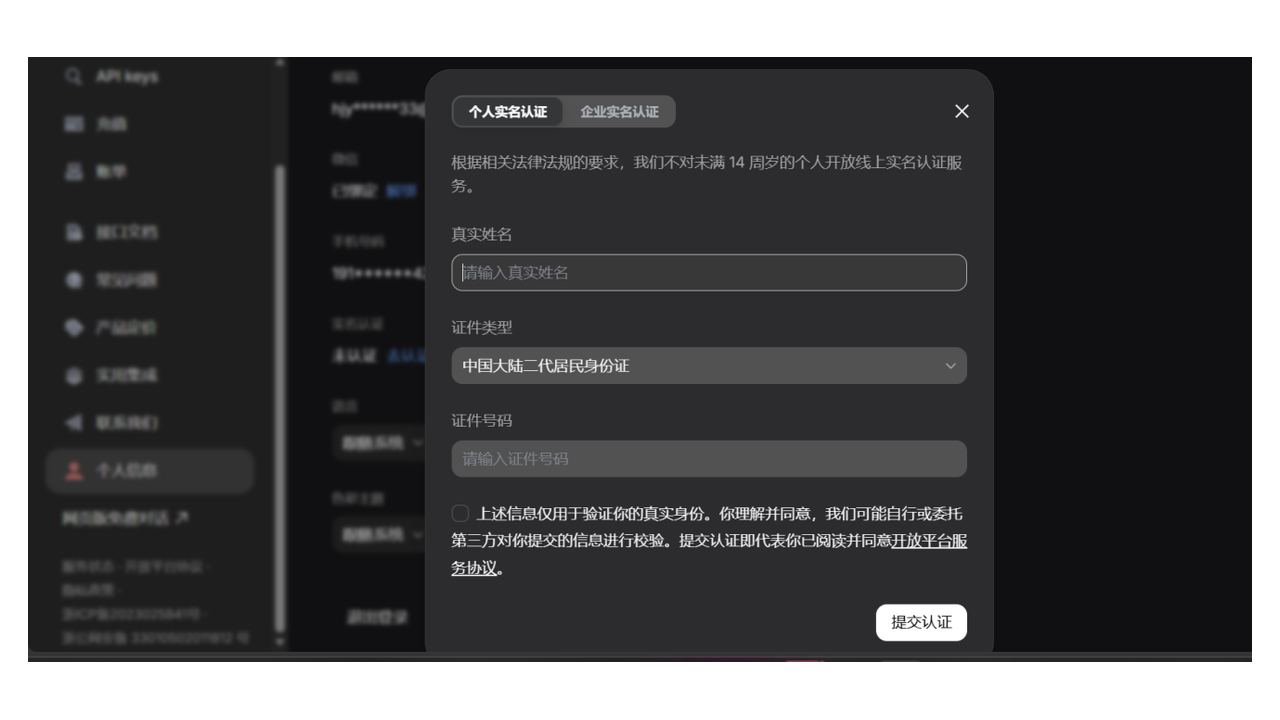
Step 3: Create an API key
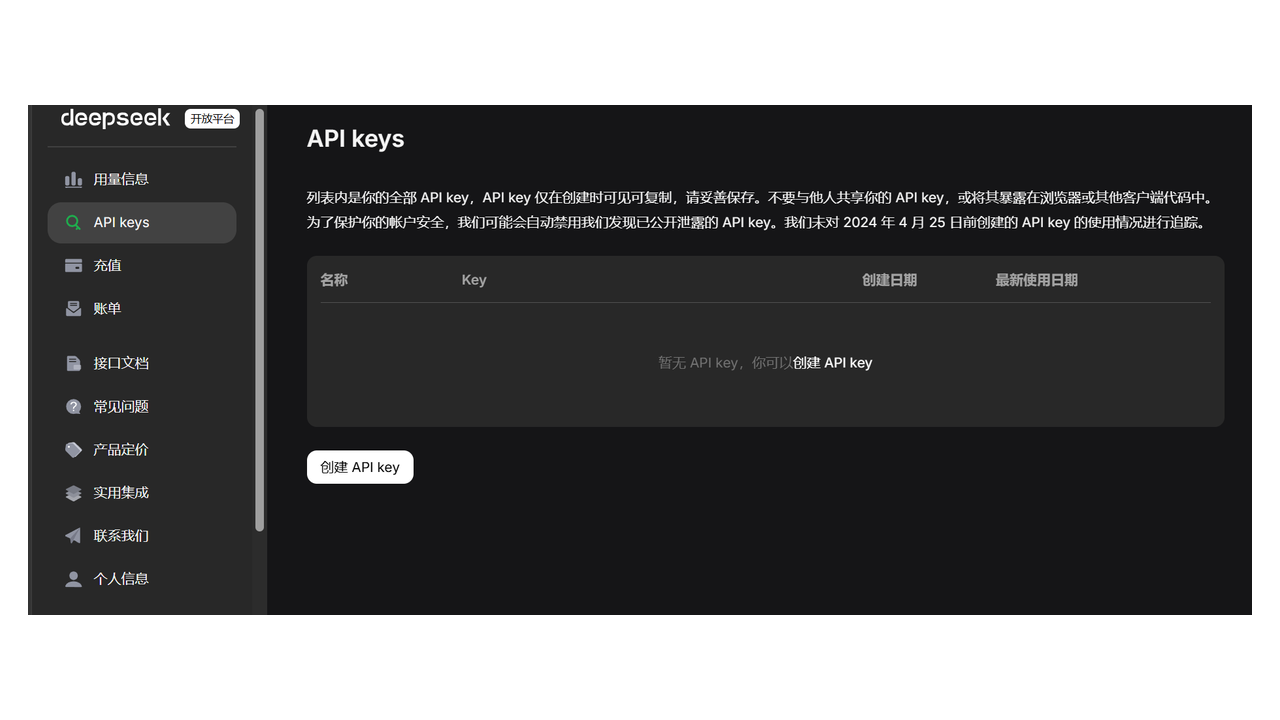
Copy the secret once; store it safely.
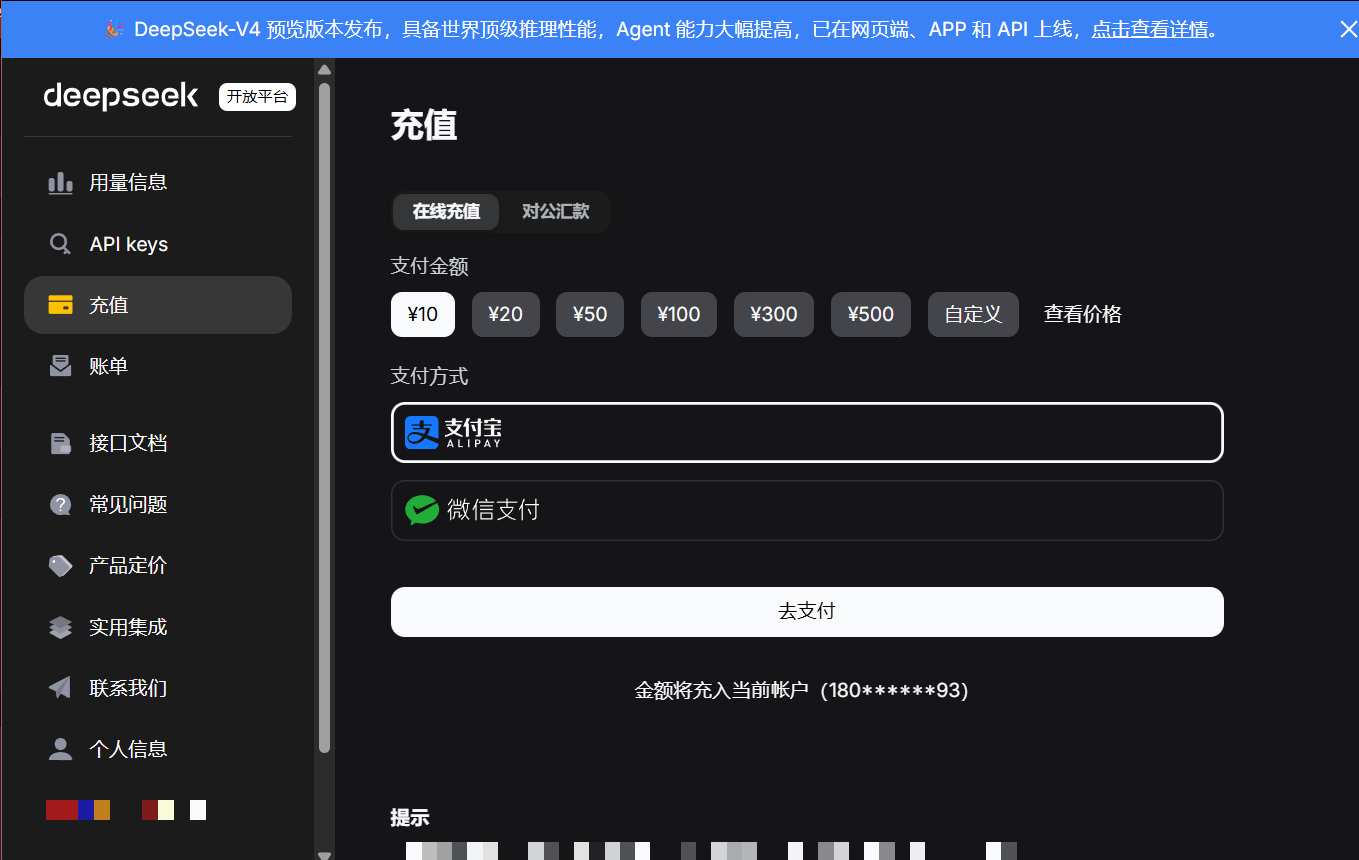
Step 4: Top up
Empty balance often returns 402.
Step 5: Paste into WriteX
- WriteX → Settings → Model / Provider
- Choose DeepSeek (not “OpenAI-compatible”)
- Keep Base URL
https://api.deepseek.com - Paste the key; pick
deepseek-v4-flashordeepseek-v4-pro - Test & save
Stuck?
| Issue | Fix |
|---|---|
| 401 | Recreate the key; check for extra spaces |
| 402 | Top up on the open platform |
| Can’t connect | Check network access to api.deepseek.com |
| Wrong models | Confirm the provider is DeepSeek, not a custom compatible endpoint |