

Get a Zhipu GLM API Key
In WriteX the provider is Zhipu GLM (zAI).
Regions
| Region | Platform | Base URL |
|---|---|---|
| Mainland China | open.bigmodel.cn | https://open.bigmodel.cn/api/paas/v4 |
| Overseas / Z.AI | z.ai/model-api | https://api.z.ai/api/paas/v4 |
WriteX defaults to Z.AI; switch Base URL if your key is from BigModel.
Step 1: Sign up
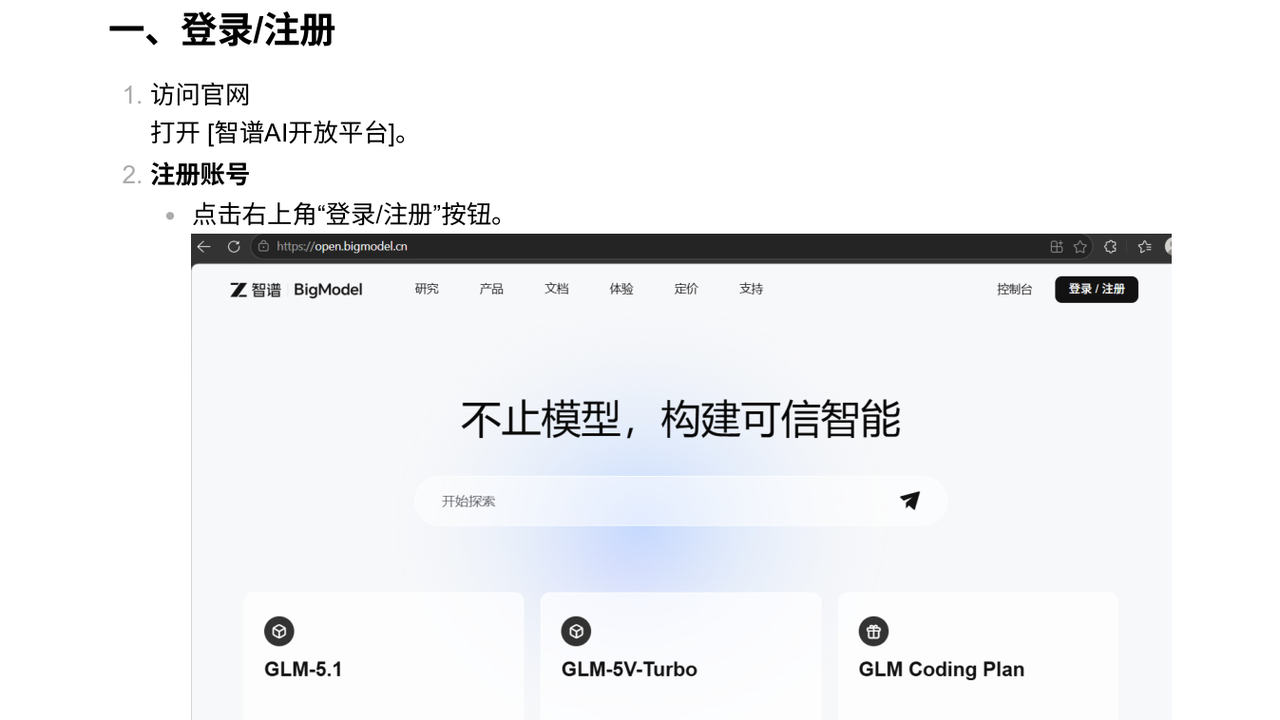
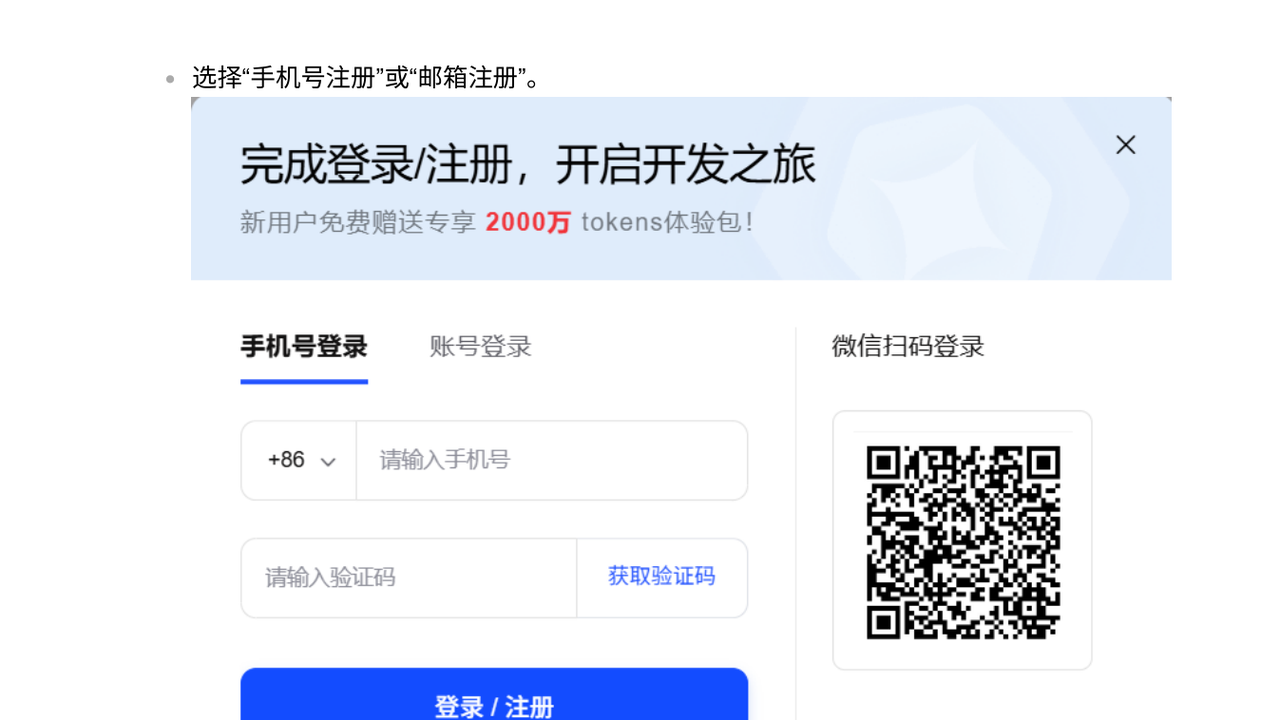
Open open.bigmodel.cn → Log in / Sign up.
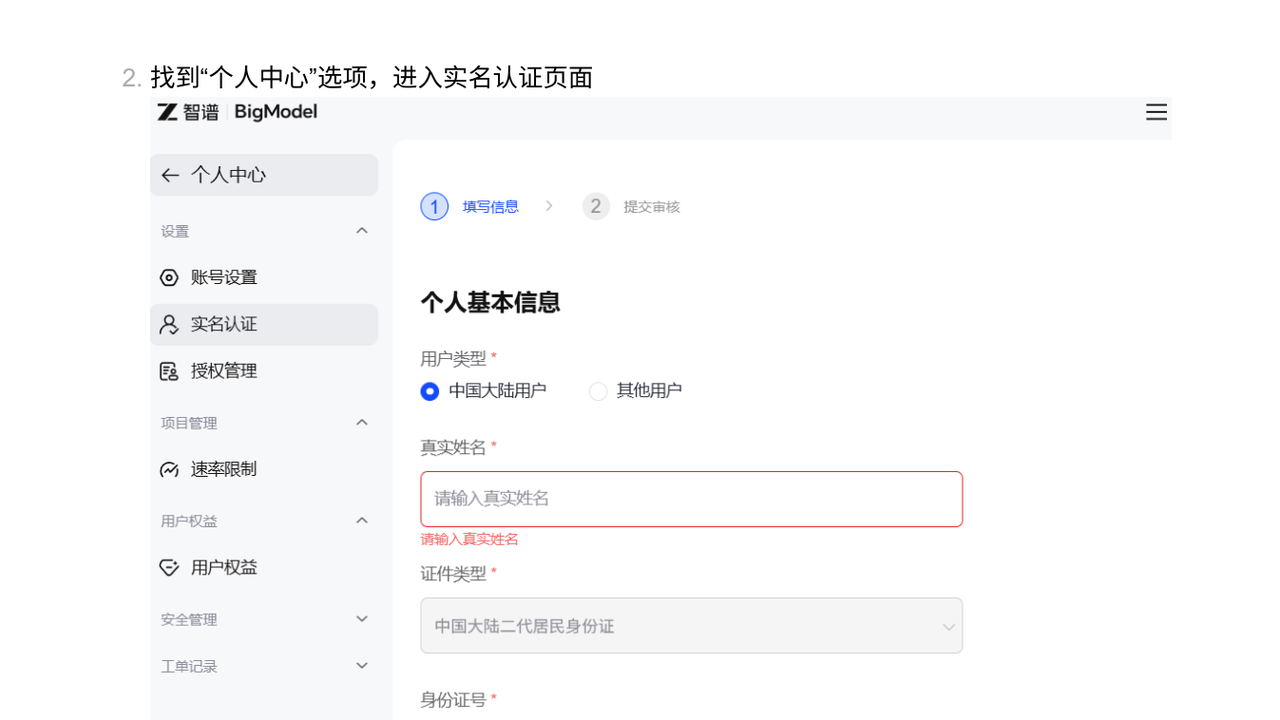
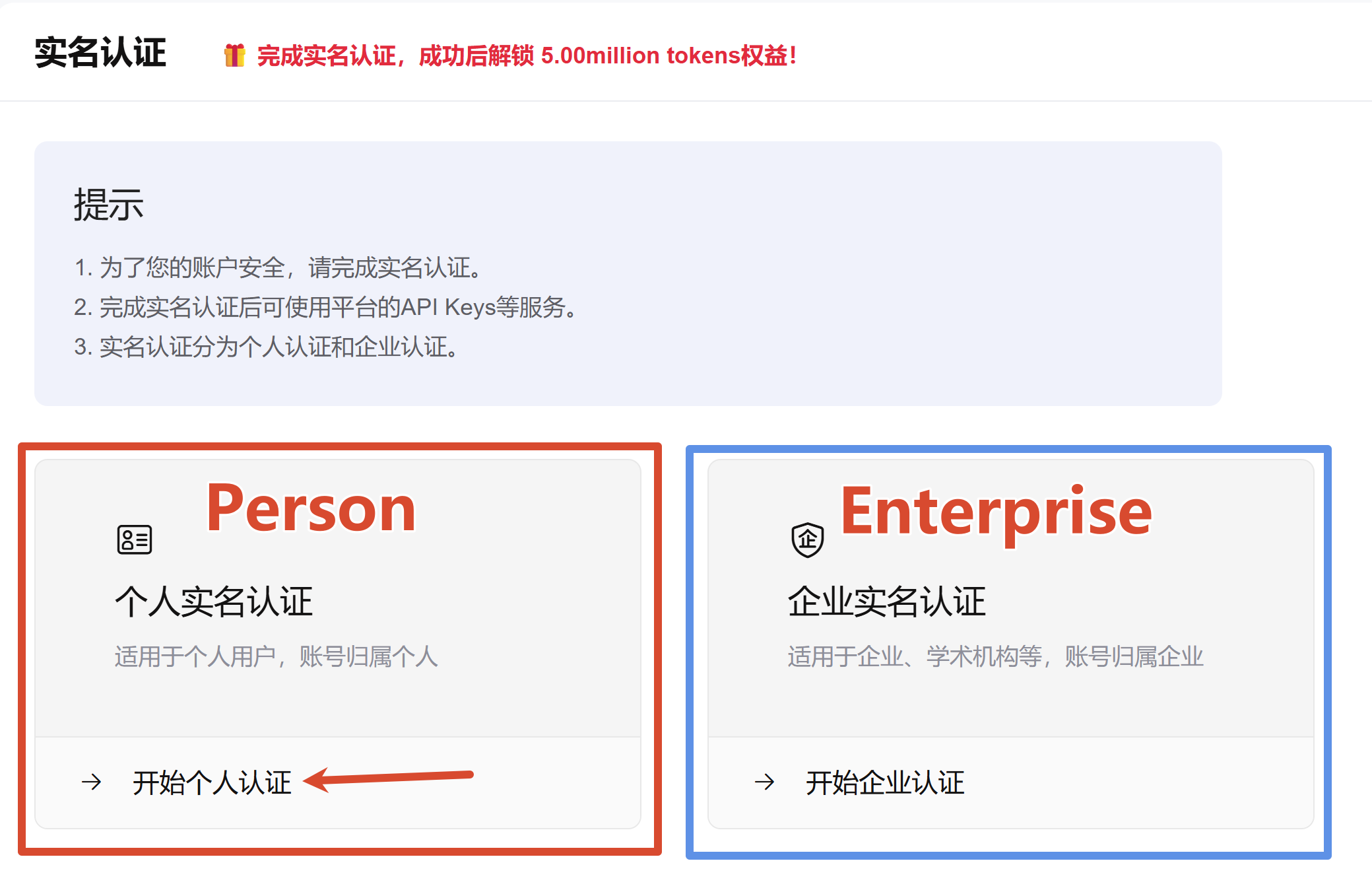
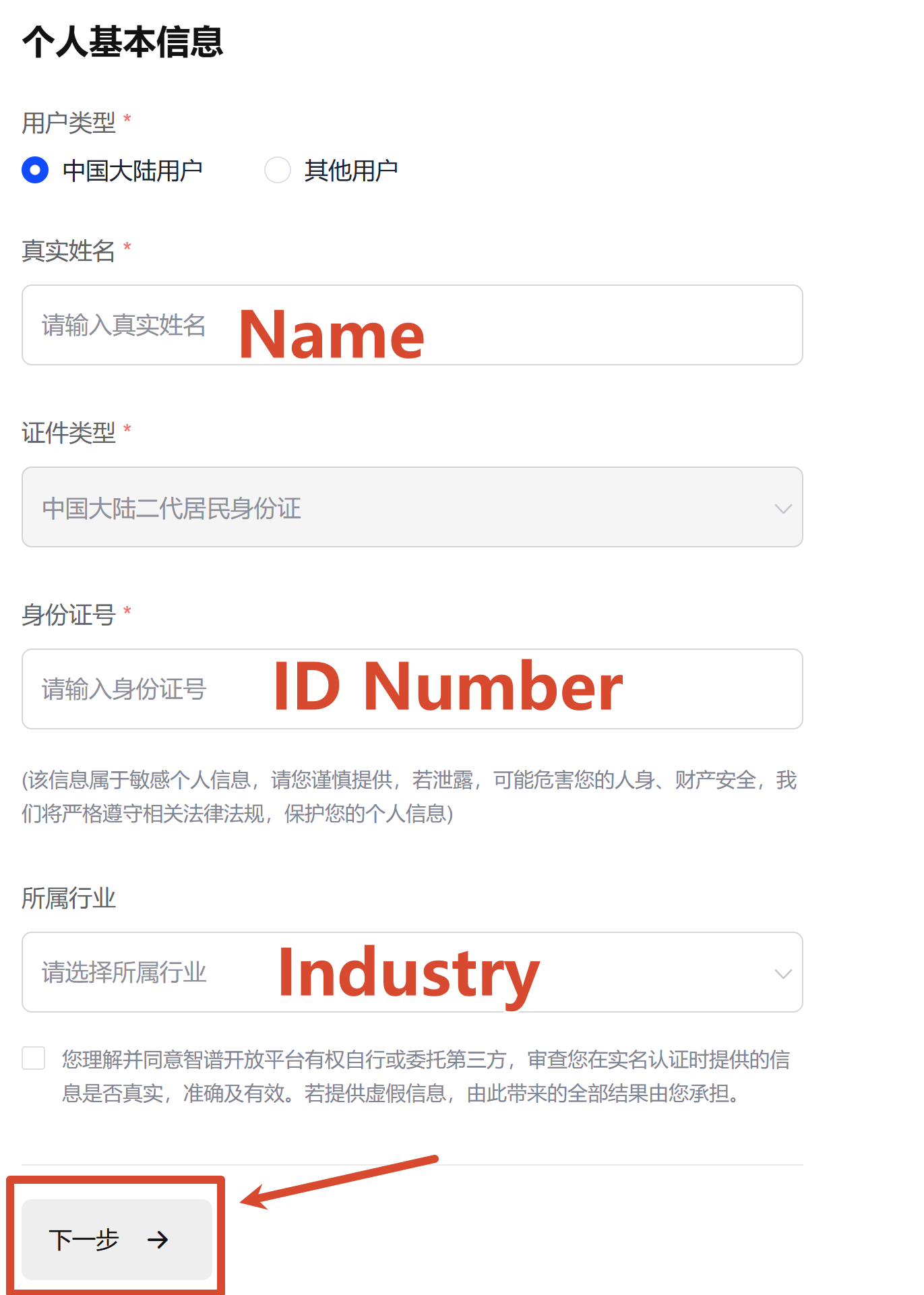
Step 2: Real-name verification
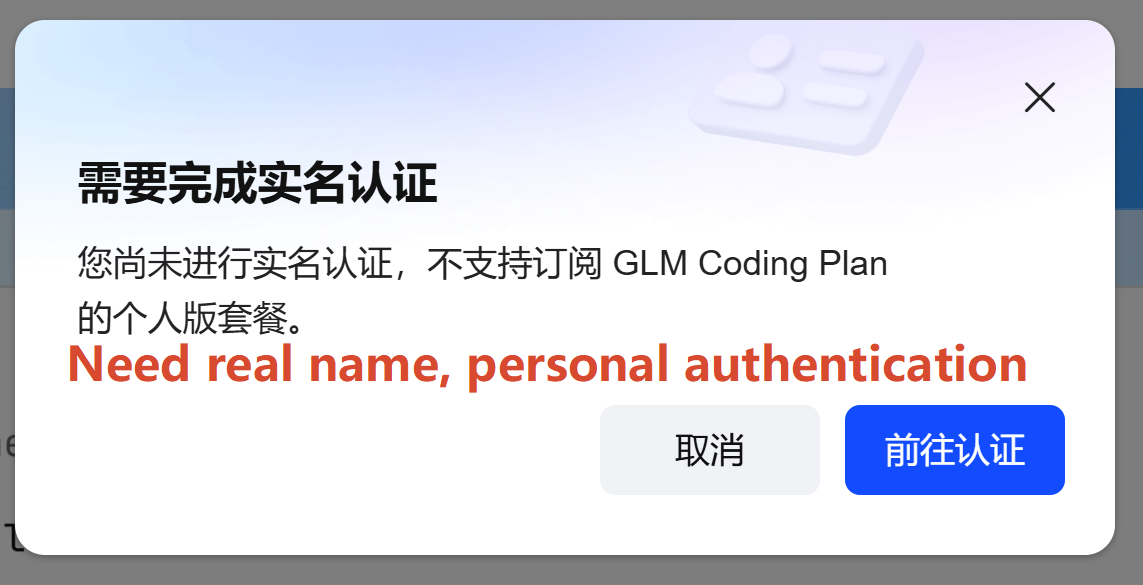
Complete verification in the account center before buying packs or unlocking quotas.
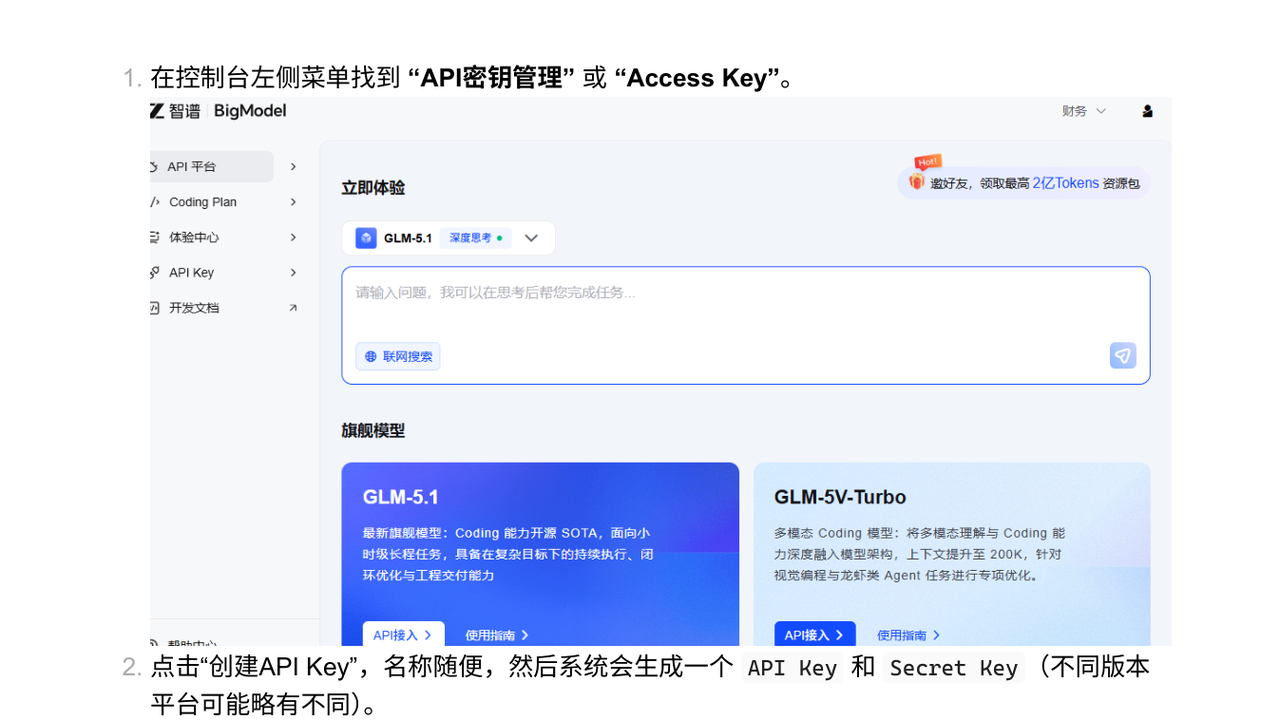
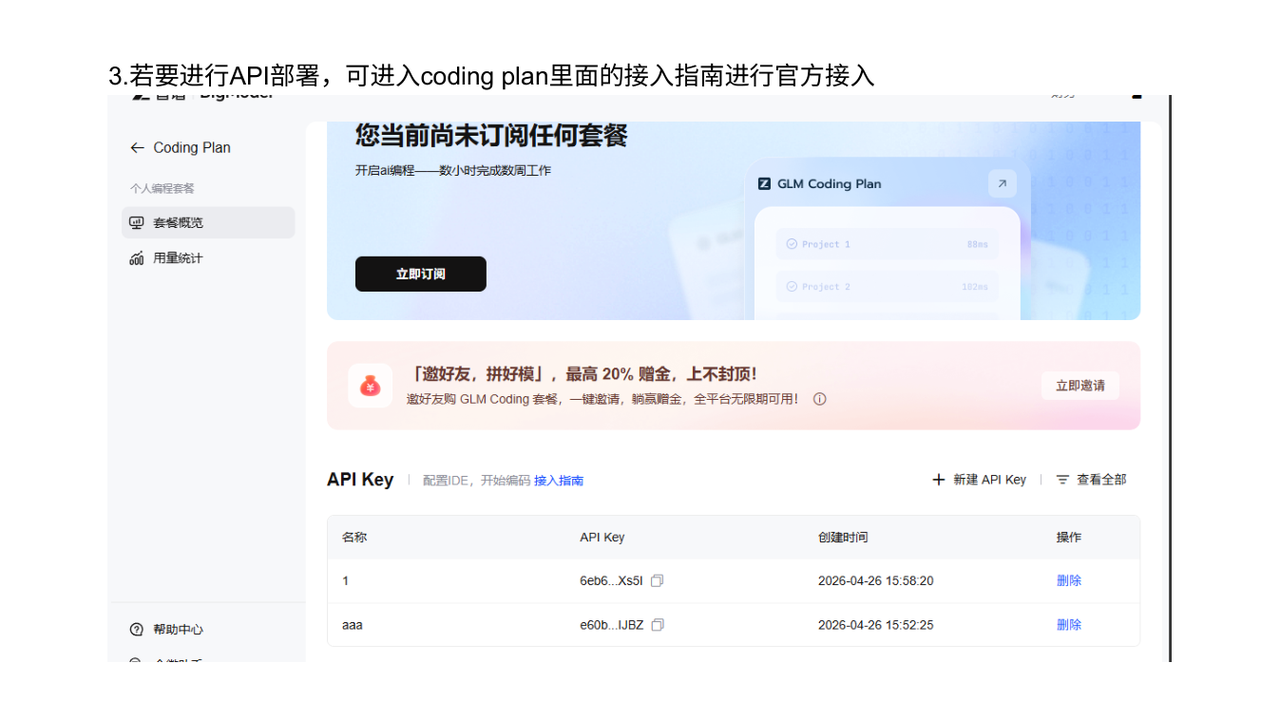
Step 3: Create an API key
API key management → Create → copy the full secret at once.
Step 4: Billing
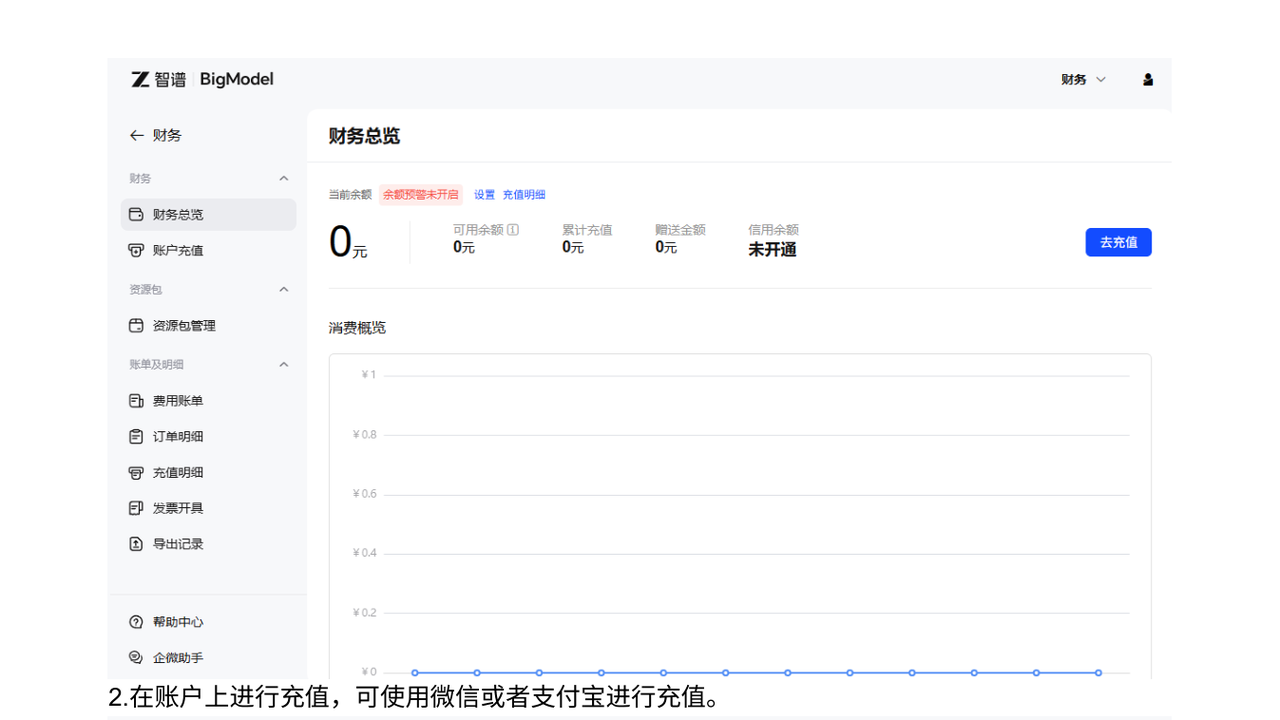
Use Finance for packs / top-up. Coding Plan has its own endpoint docs—don’t mix with standard PaaS URLs.
Step 5: Paste into WriteX
Settings → Zhipu GLM (zAI) → matching Base URL → paste key → pick a light model → Test & save.