

Get a Kimi (Moonshot) API Key
“Kimi API”, “Moonshot API”, and “Moonshot AI” refer to the same service. In WriteX, pick Kimi.
Overview
- Open the Kimi open platform
- Sign in with phone OTP
- Complete personal verification (often unlocks trial credit)
- Create an API key
- Paste it into WriteX
You need a mainland China phone number that can receive SMS. The chat site is not where keys are created.
Step 1: Open the open platform
Visit platform.kimi.com (or platform.moonshot.ai) and click Log in.
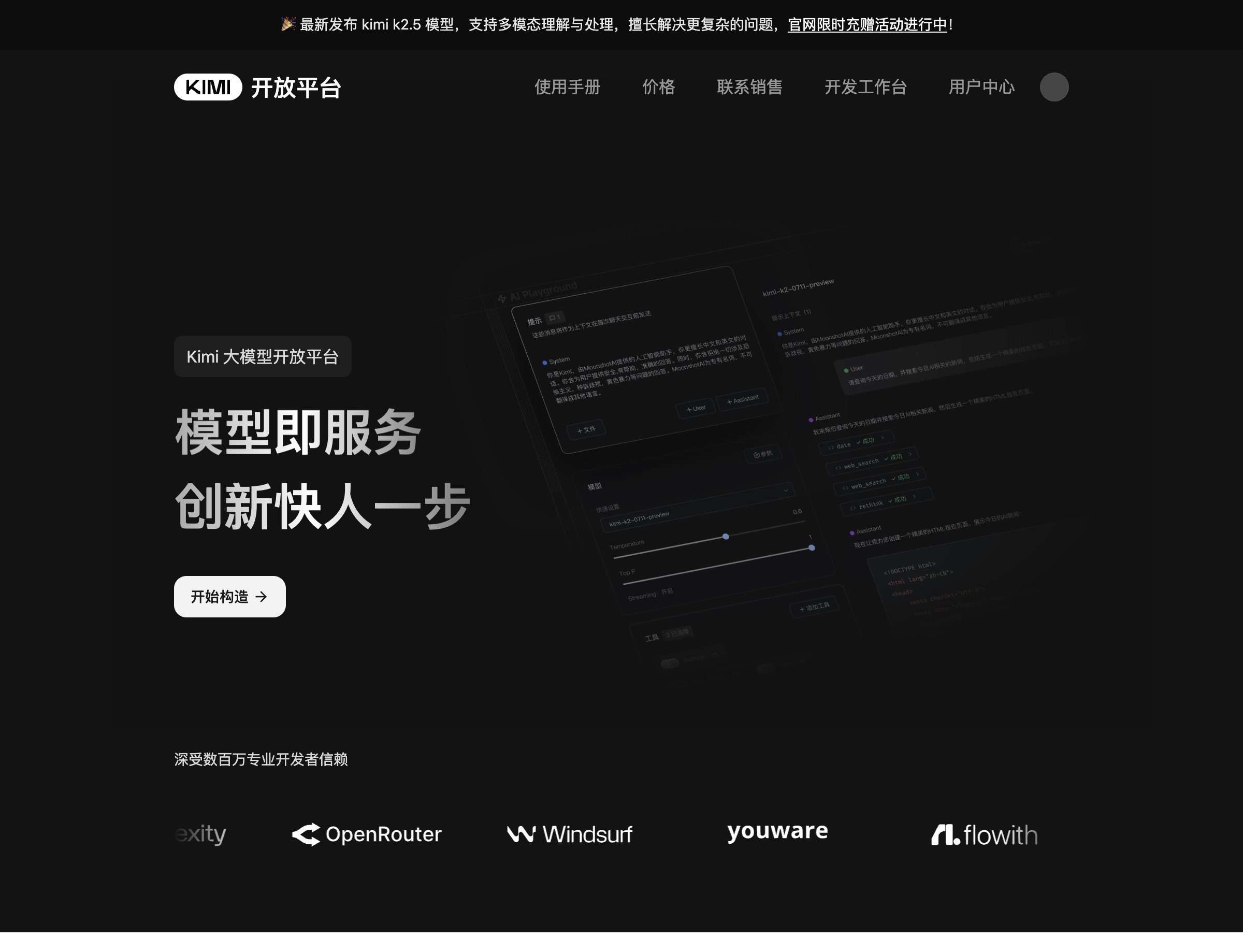
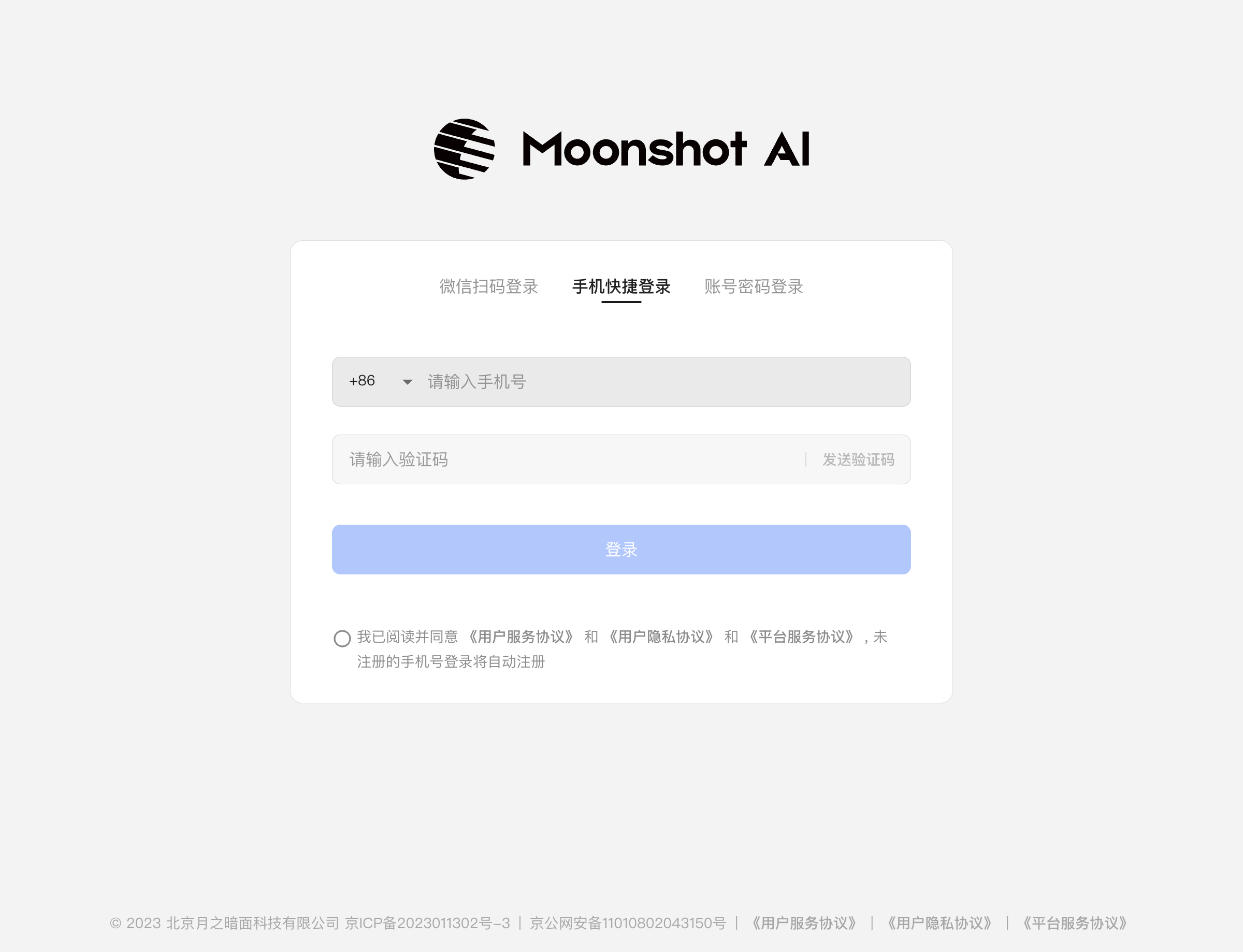
Step 2: Phone login
If WeChat QR is the default, switch to Phone quick login.
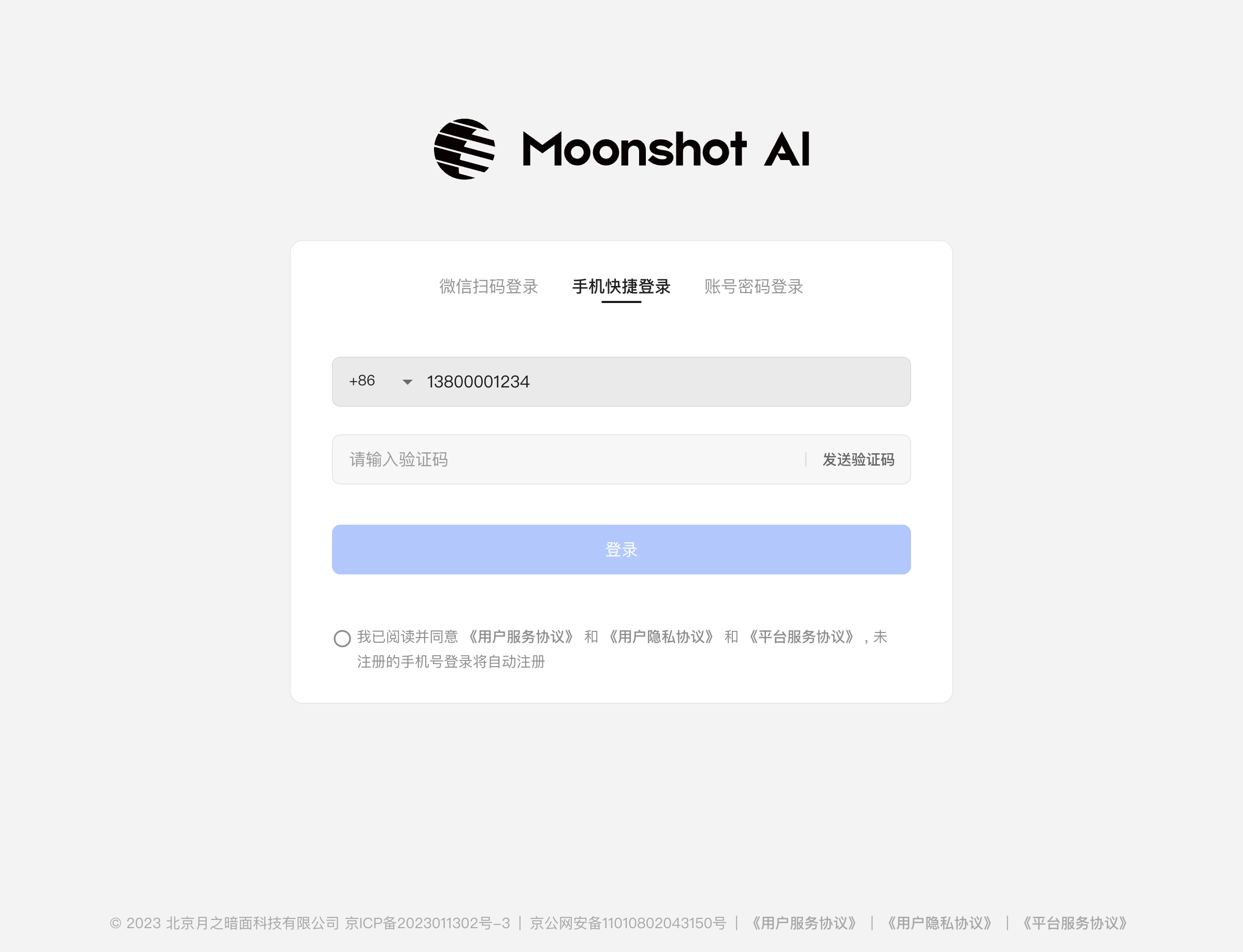
Step 3: Enter your phone number
Use the default +86 country code unless you need another.
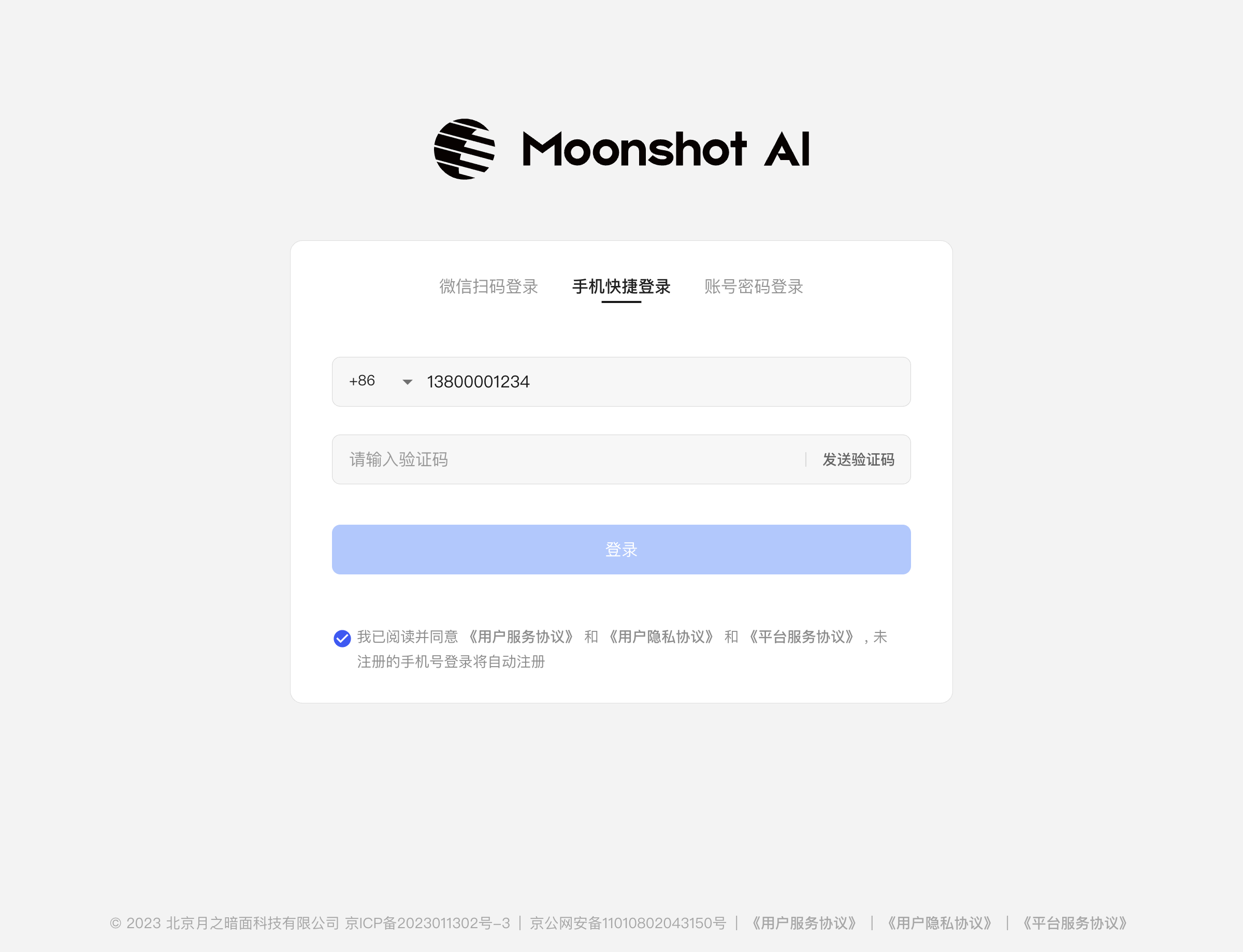
Step 4: Accept the agreements
Check I have read and agree to the service and privacy agreements. Unregistered numbers usually auto-register on first login.
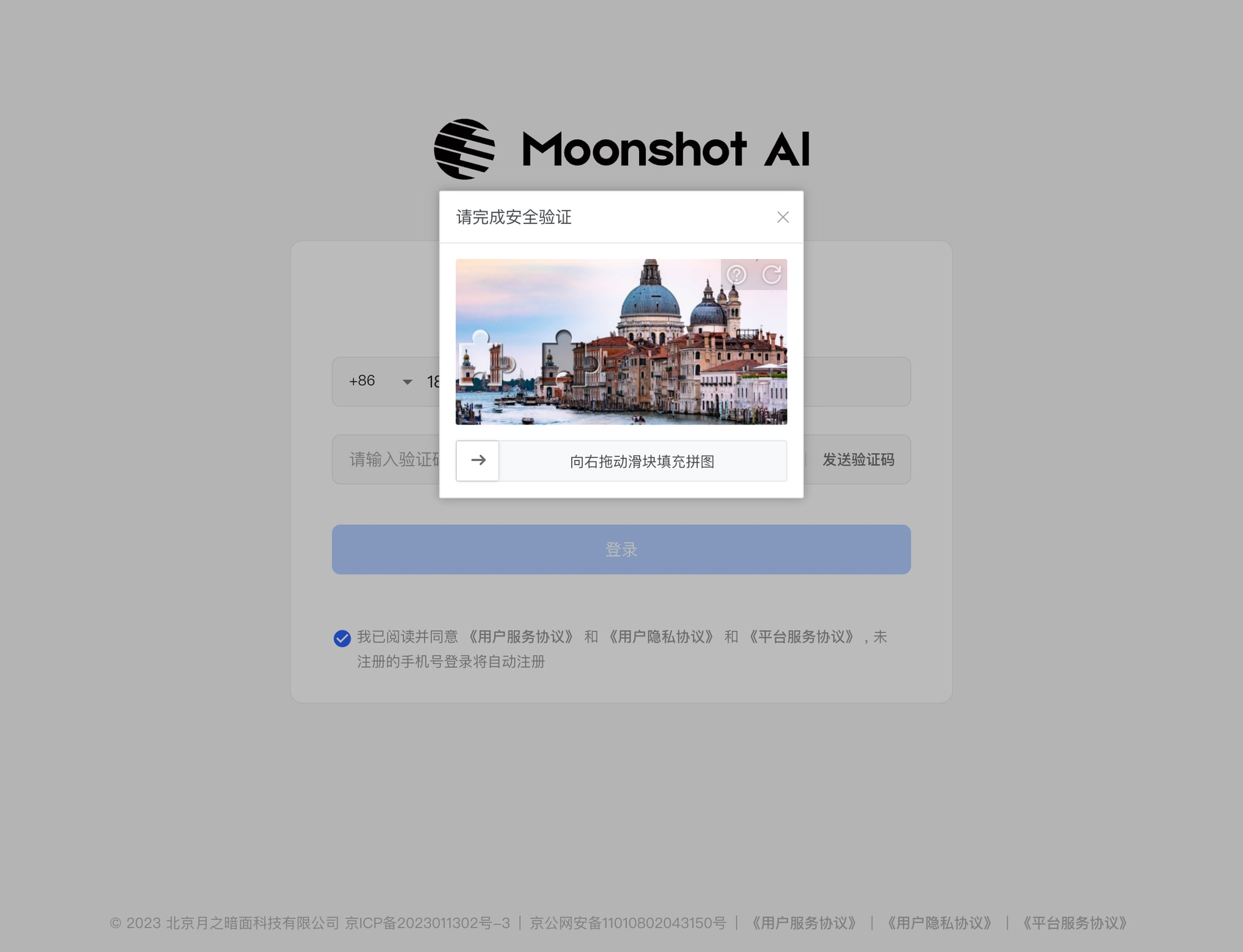
Step 5: Complete the captcha
After Send code, finish the slider puzzle.
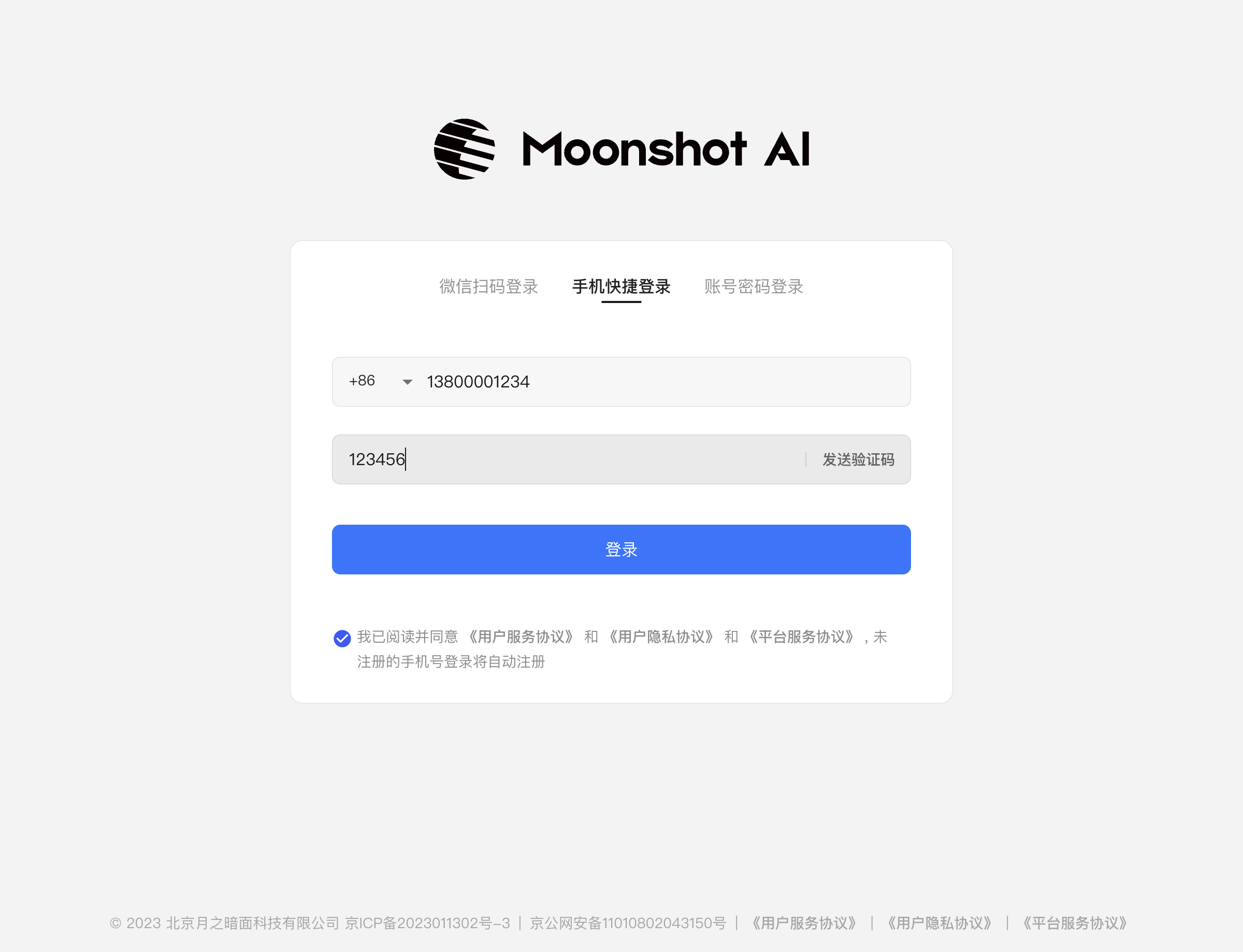
Step 6: Enter the SMS code
Paste the 6-digit code and click Log in. Codes often expire in about two minutes.
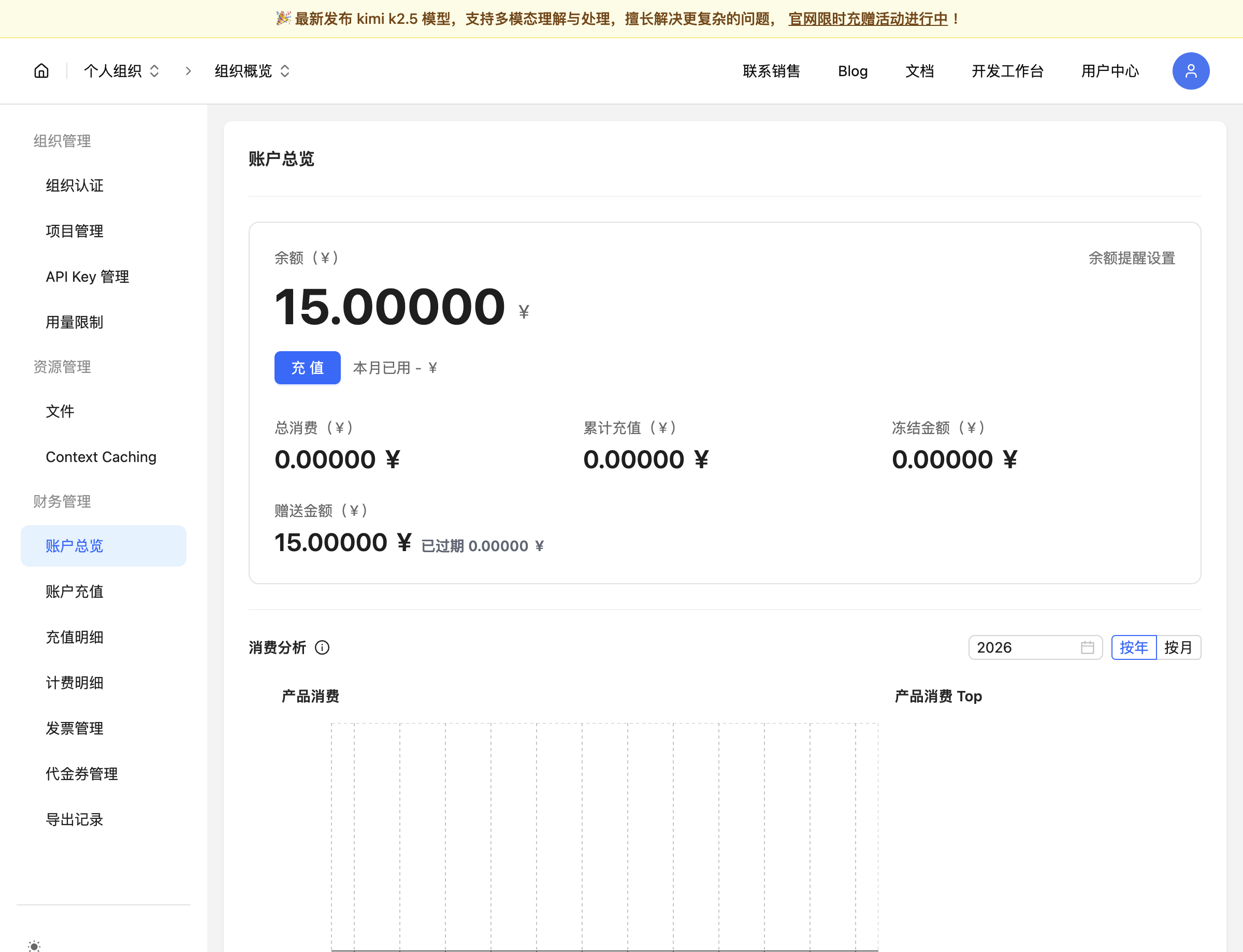
Step 7: Open user center
Click User center in the top nav. If balance is 0, verify next to unlock trial credit (amounts vary by page).
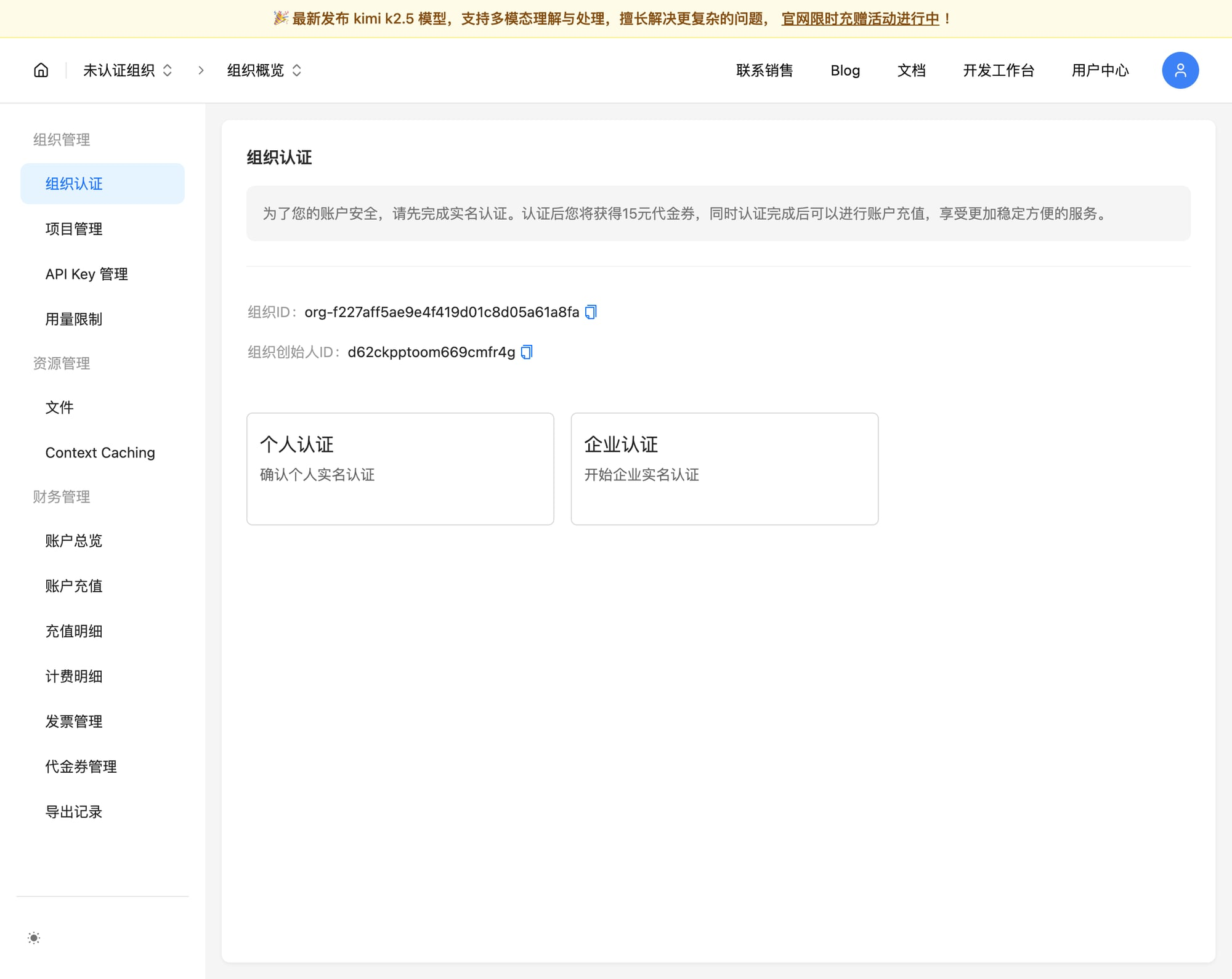
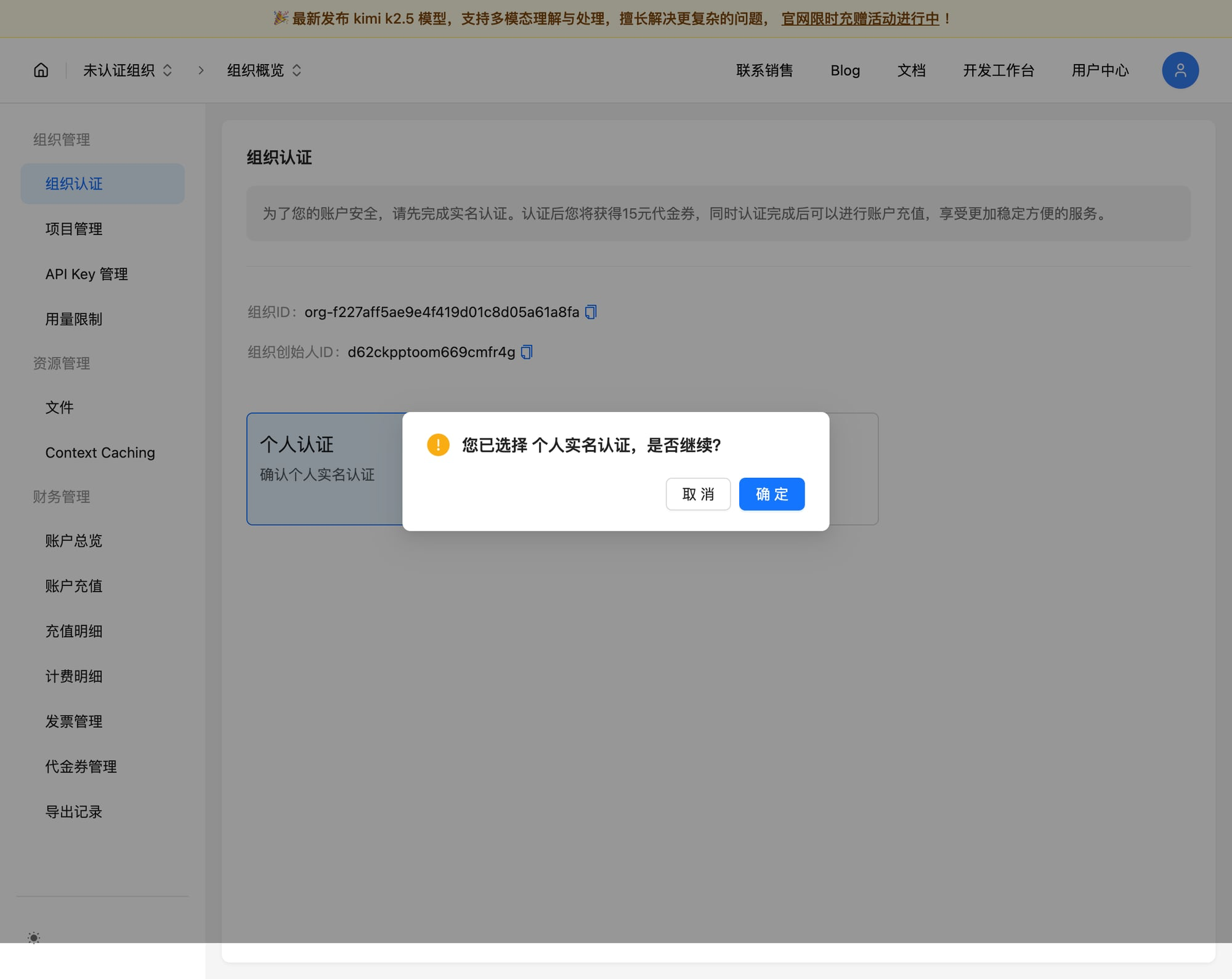
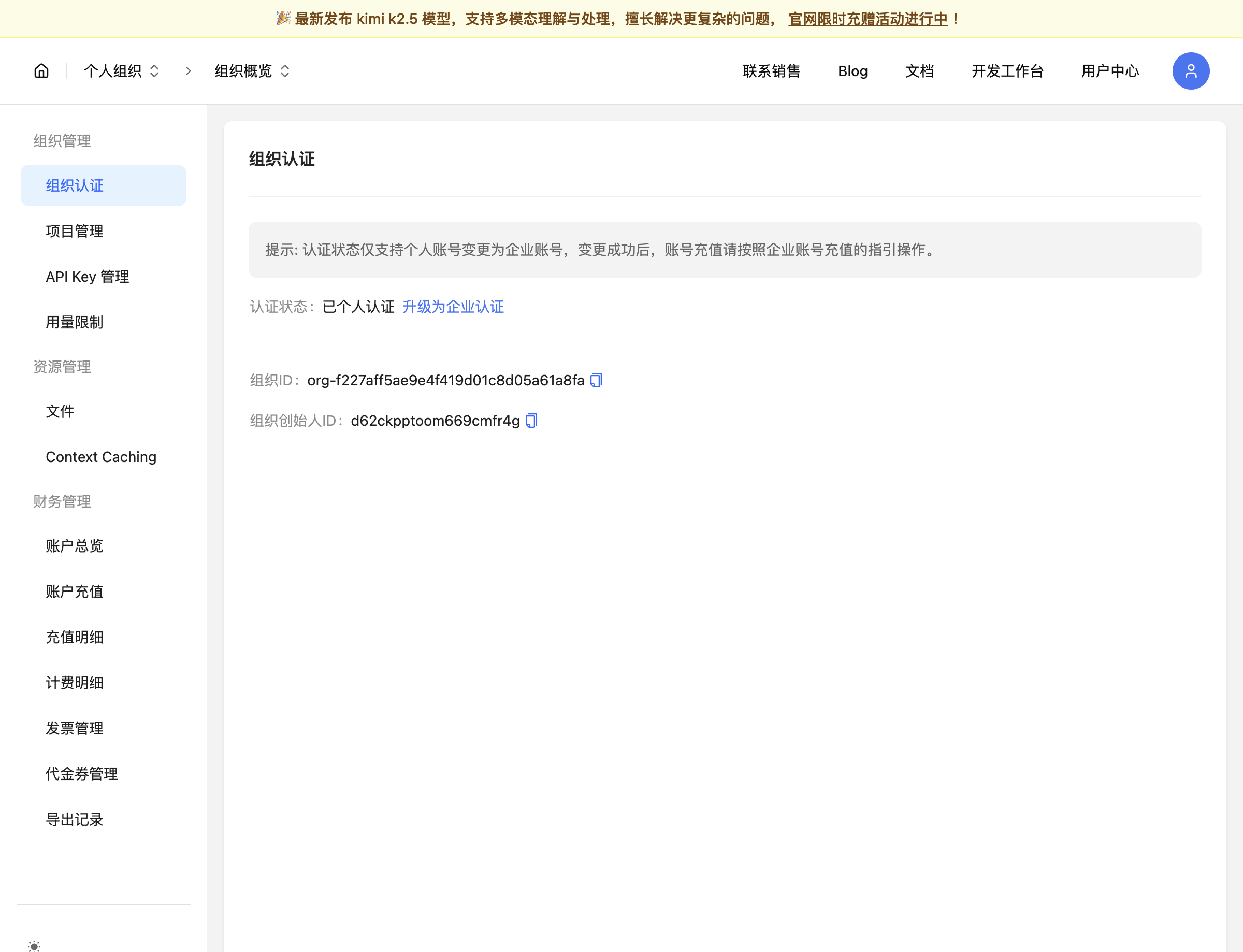
Step 8: Personal verification
Open Organization verification → Personal verification → confirm.
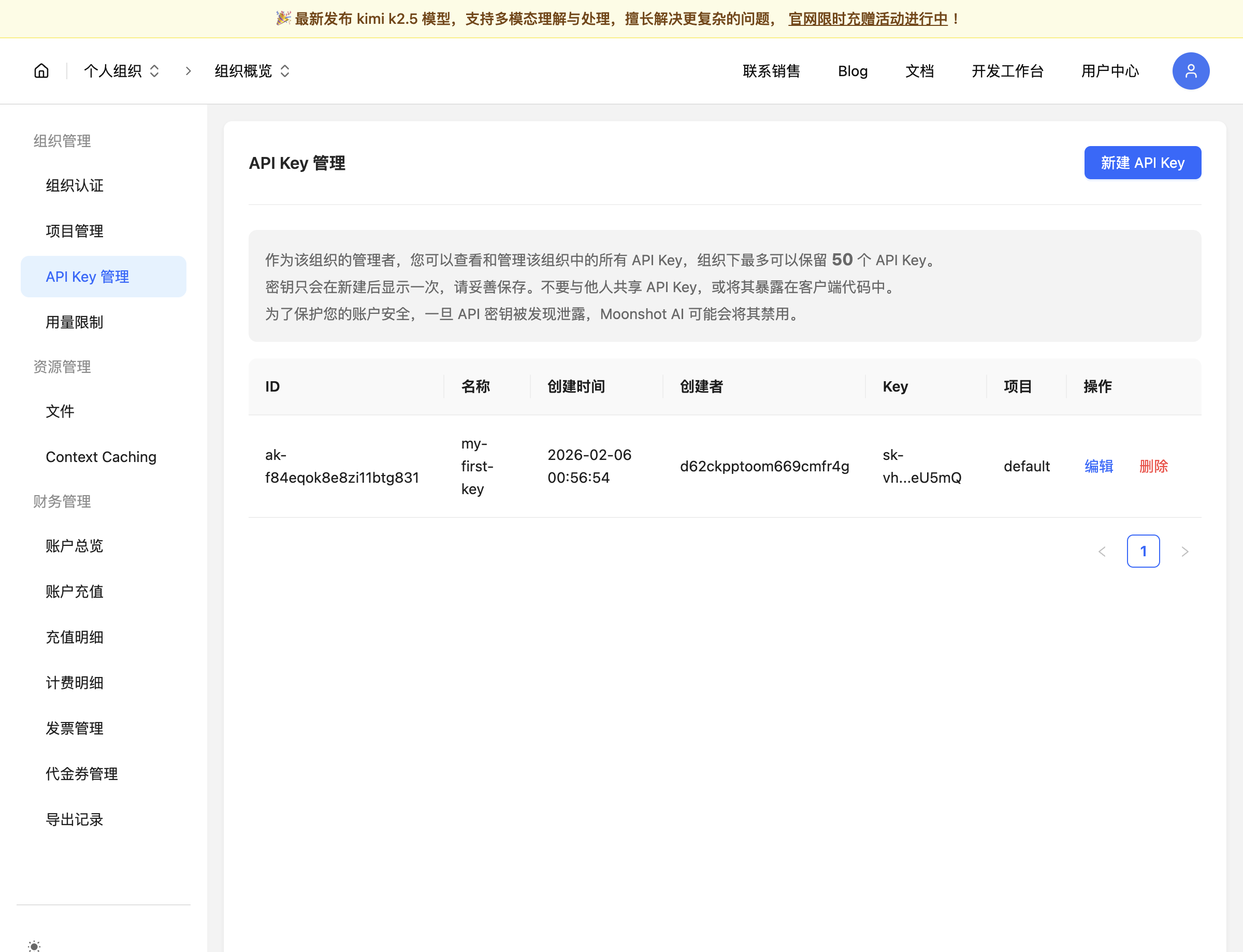
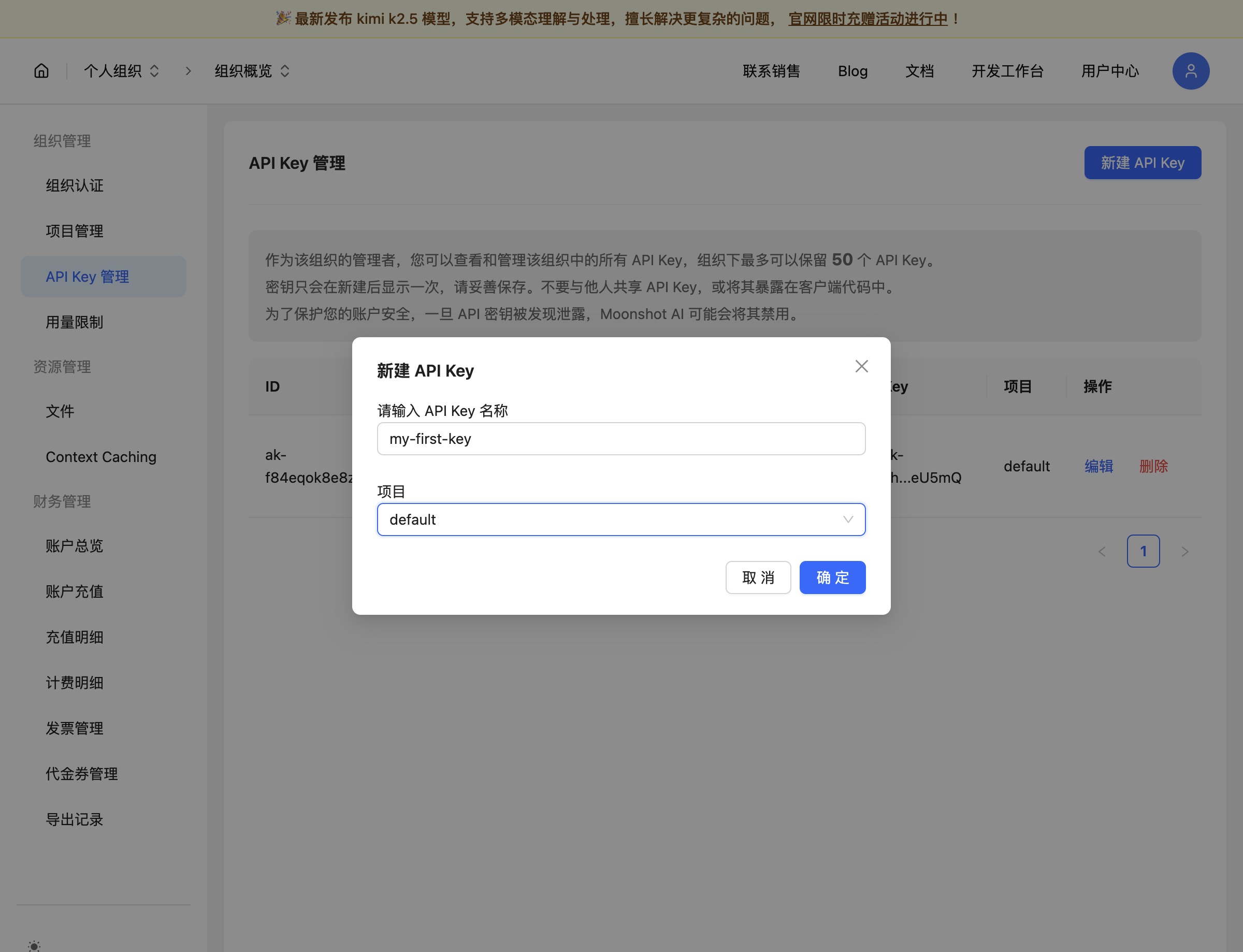
Step 9: Create an API key
API Key management → Create API Key. Name it WriteX, pick project default, confirm.
Step 10: Save the key immediately
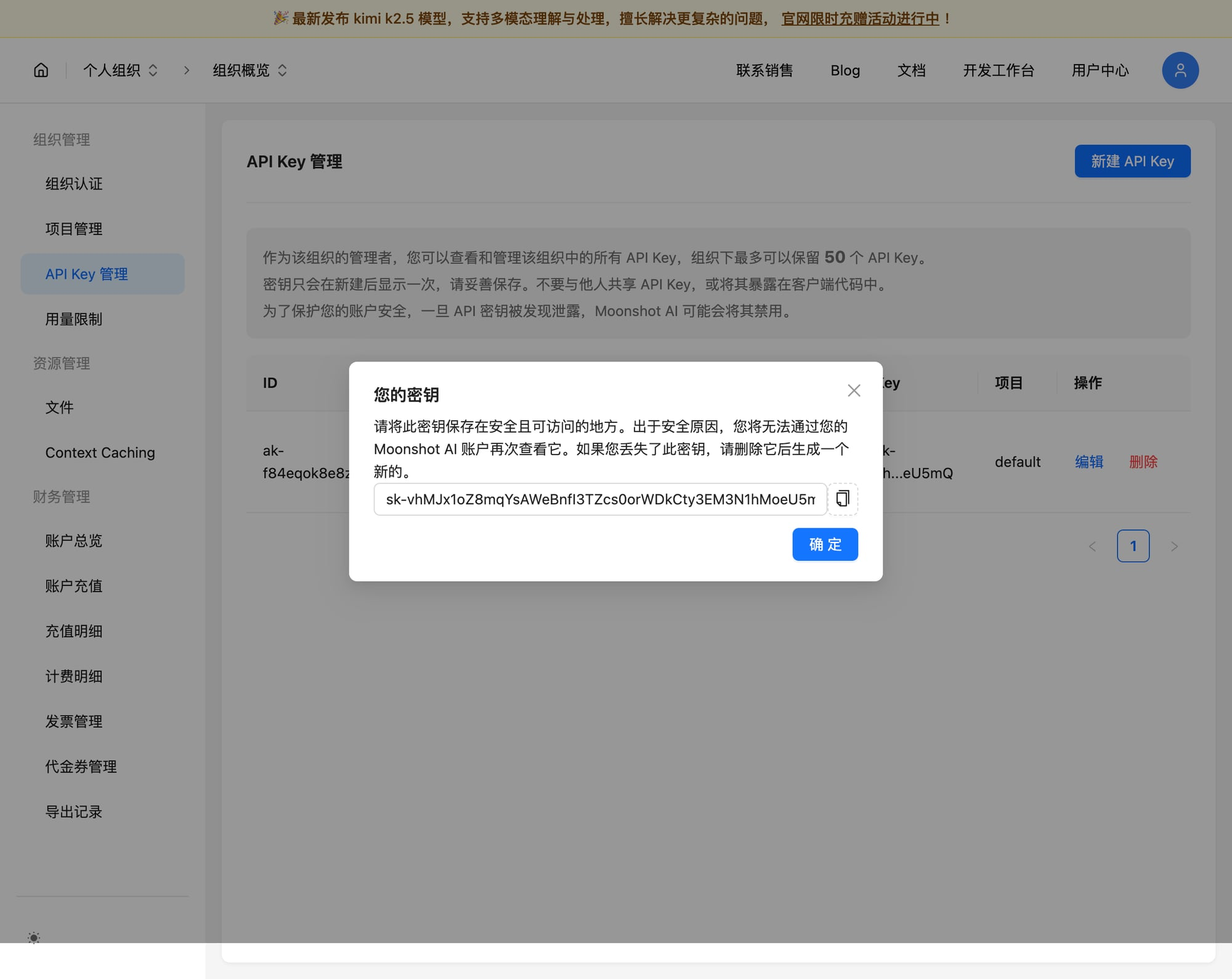
The full sk-… string is shown once. Copy it to a password manager.
Paste into WriteX
| Field | Typical value |
|---|---|
| Base URL | https://api.moonshot.ai/v1 (some docs use .cn; follow the console) |
| API Key | your sk-… |
| Model | e.g. kimi-k2.5 |
WriteX → Settings → Model / Provider → Kimi → paste key → Test & save.