

Get a Xiaomi MiMo API Key
MiMo is a good first provider for WriteX: domestic connectivity and pay-as-you-go billing. Official docs: First API call.
What you need
| Item | Pay-as-you-go (recommended) |
|---|---|
| Platform | platform.xiaomimimo.com |
| Base URL | https://api.xiaomimimo.com/v1 |
| API Key | starts with sk- |
| Models | mimo-v2.5-flash or mimo-v2.5-pro |
Do not mix Token Plan (tp-) keys with the pay-as-you-go Base URL.
Step 1: Prepare a Xiaomi account
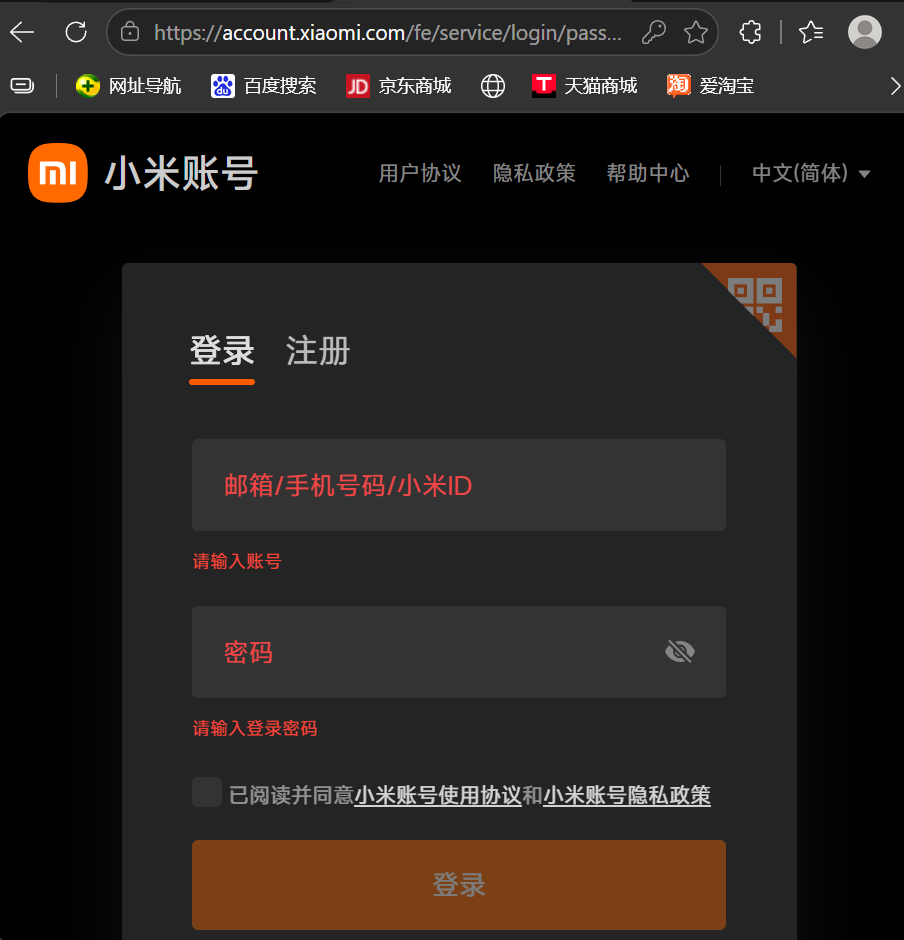
Sign in at id.mi.com. Bind an email; real-name verification is often required before purchase.
Step 2: Open the MiMo platform
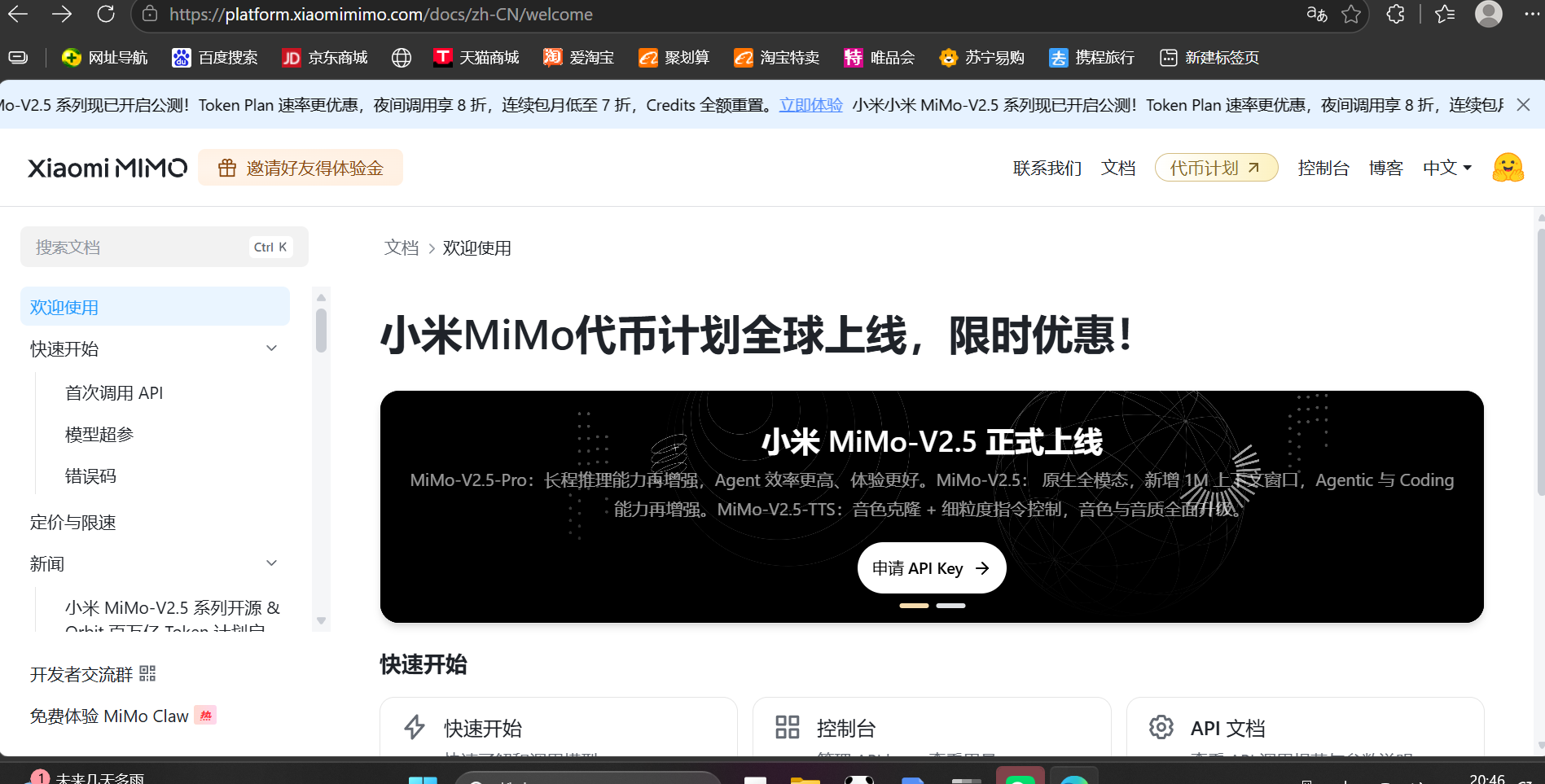
Log in at platform.xiaomimimo.com.
Step 3: Claim free credit (optional)
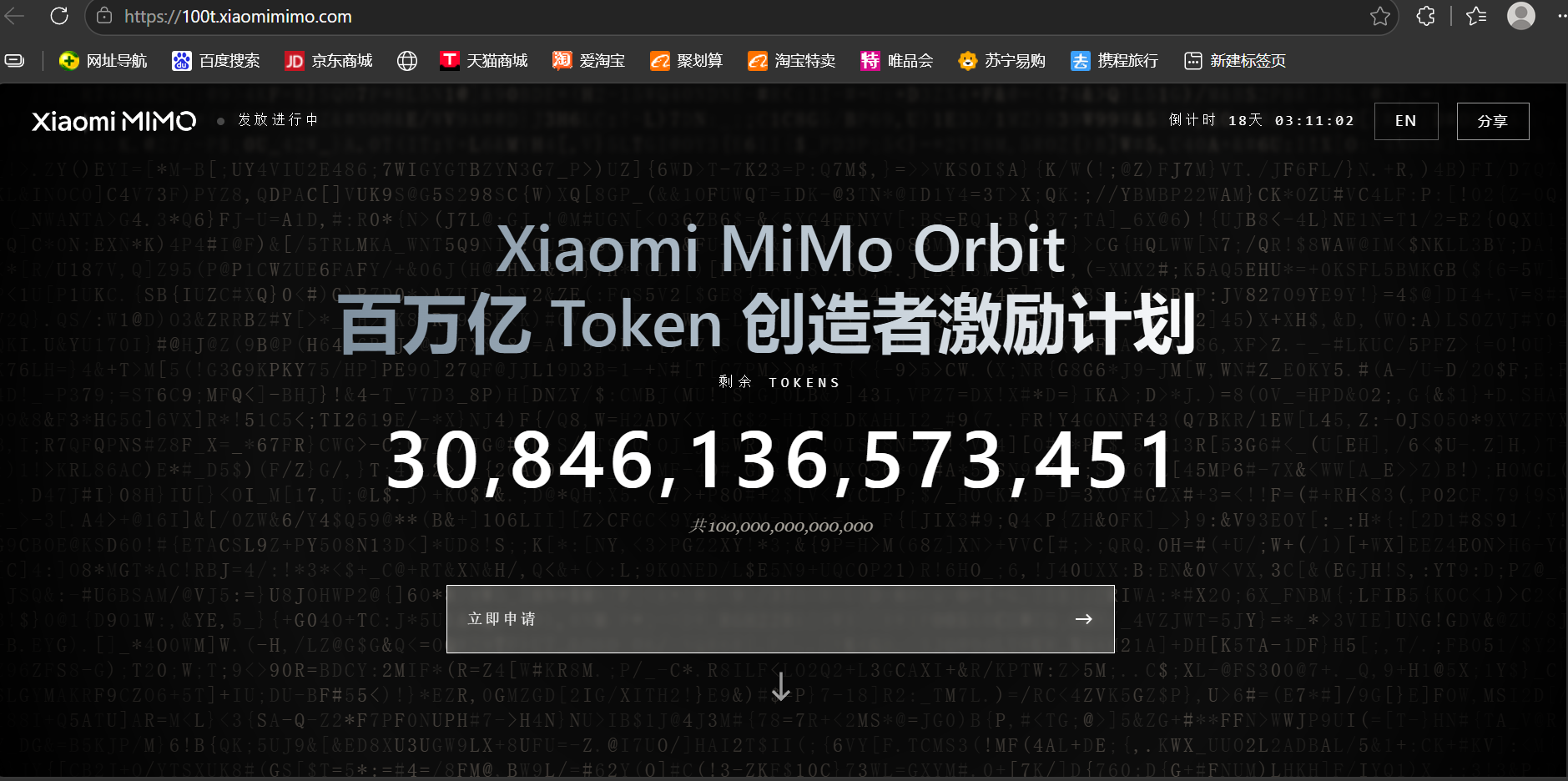
Apply for Orbit / free tokens if offered, then check Subscription for granted credit.
Step 4: Manage plans (optional)
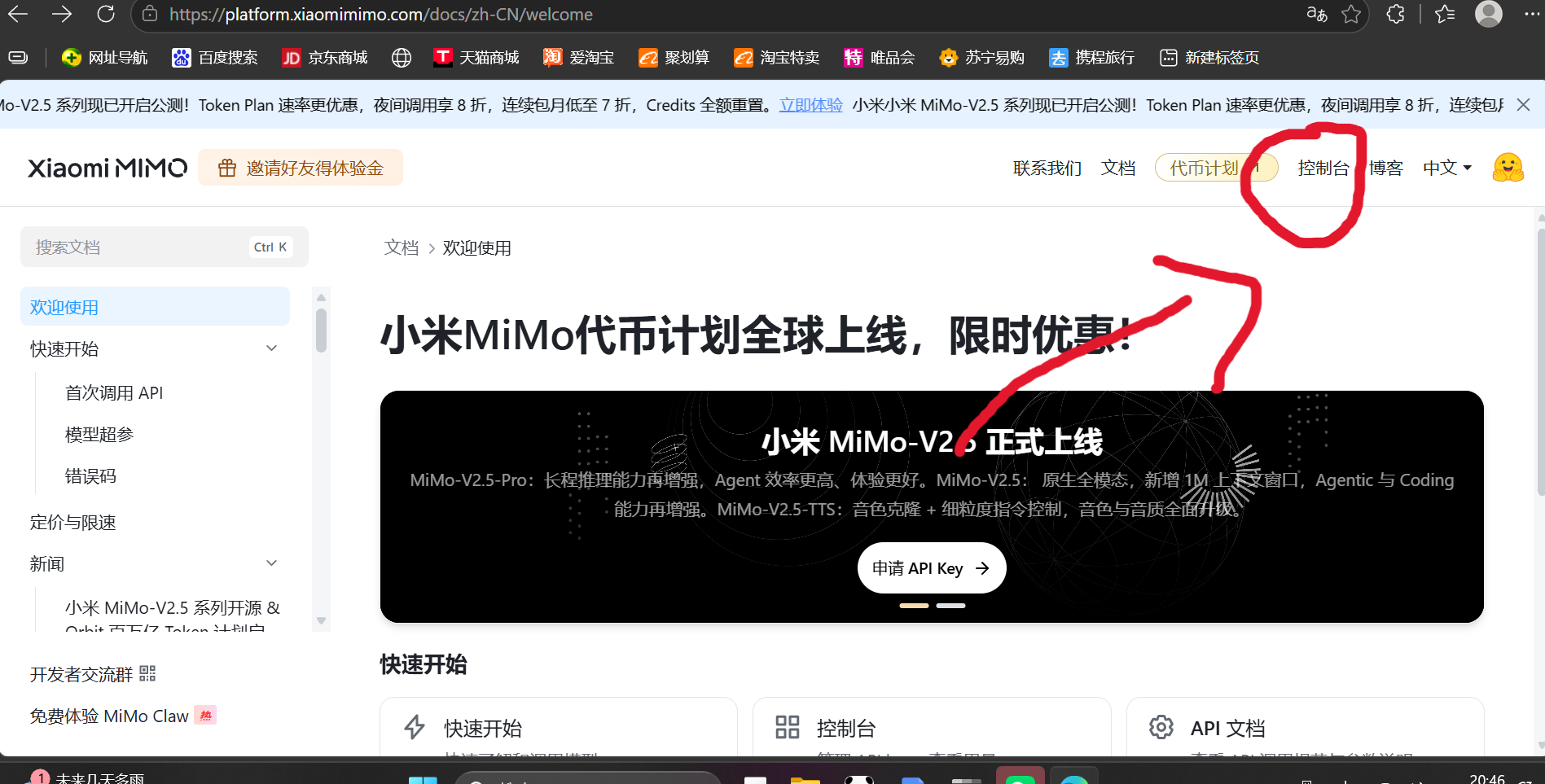
Use Token plan / Console for paid tiers after free credit runs out.
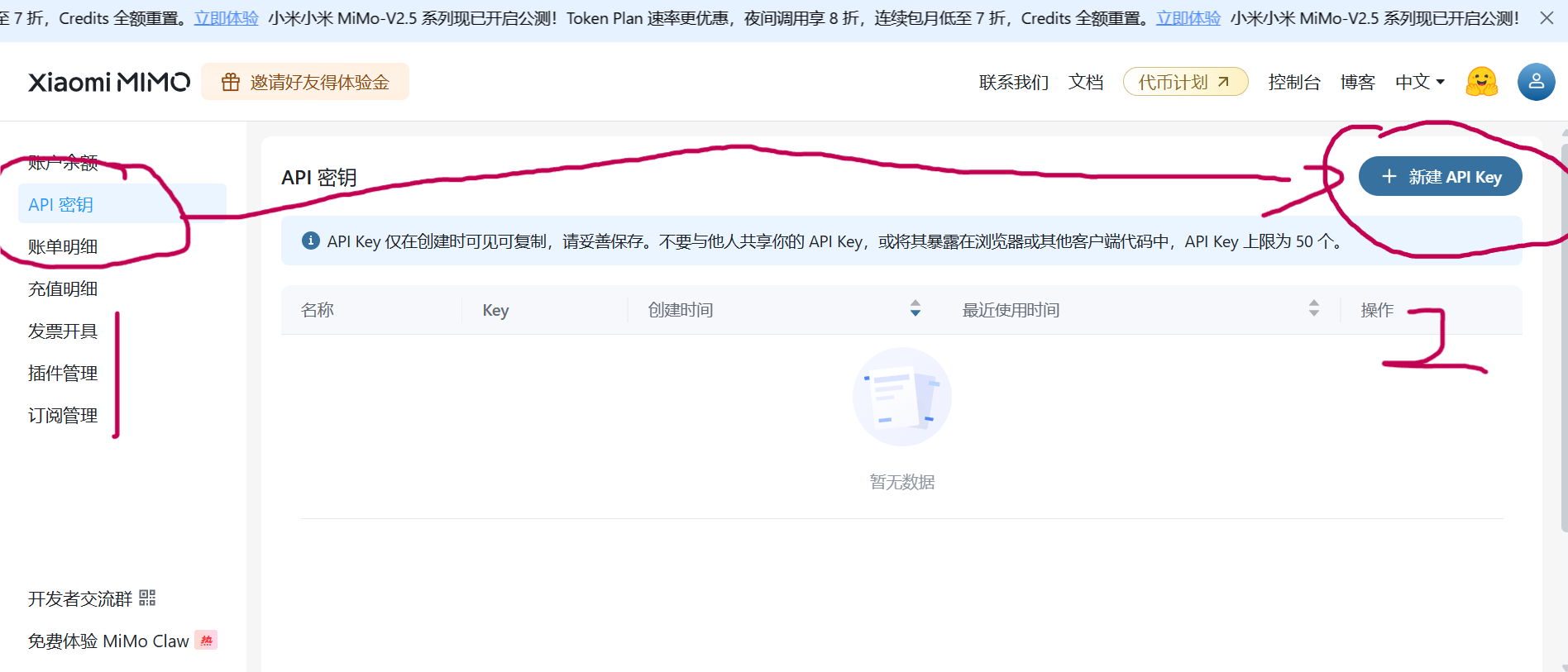
Step 5: Create an API key
API Keys → Create → copy the sk-… string immediately.
Step 6: Paste into WriteX
Settings → Model / Provider → Xiaomi MiMo → Base URL https://api.xiaomimimo.com/v1 → paste key → Test & save.